Hardware Innovation
Modular Macro Keypads: A Hardware Innovation Guide
Explore the innovation behind modular macro keypads and their impact on efficiency in both gaming and productivity.
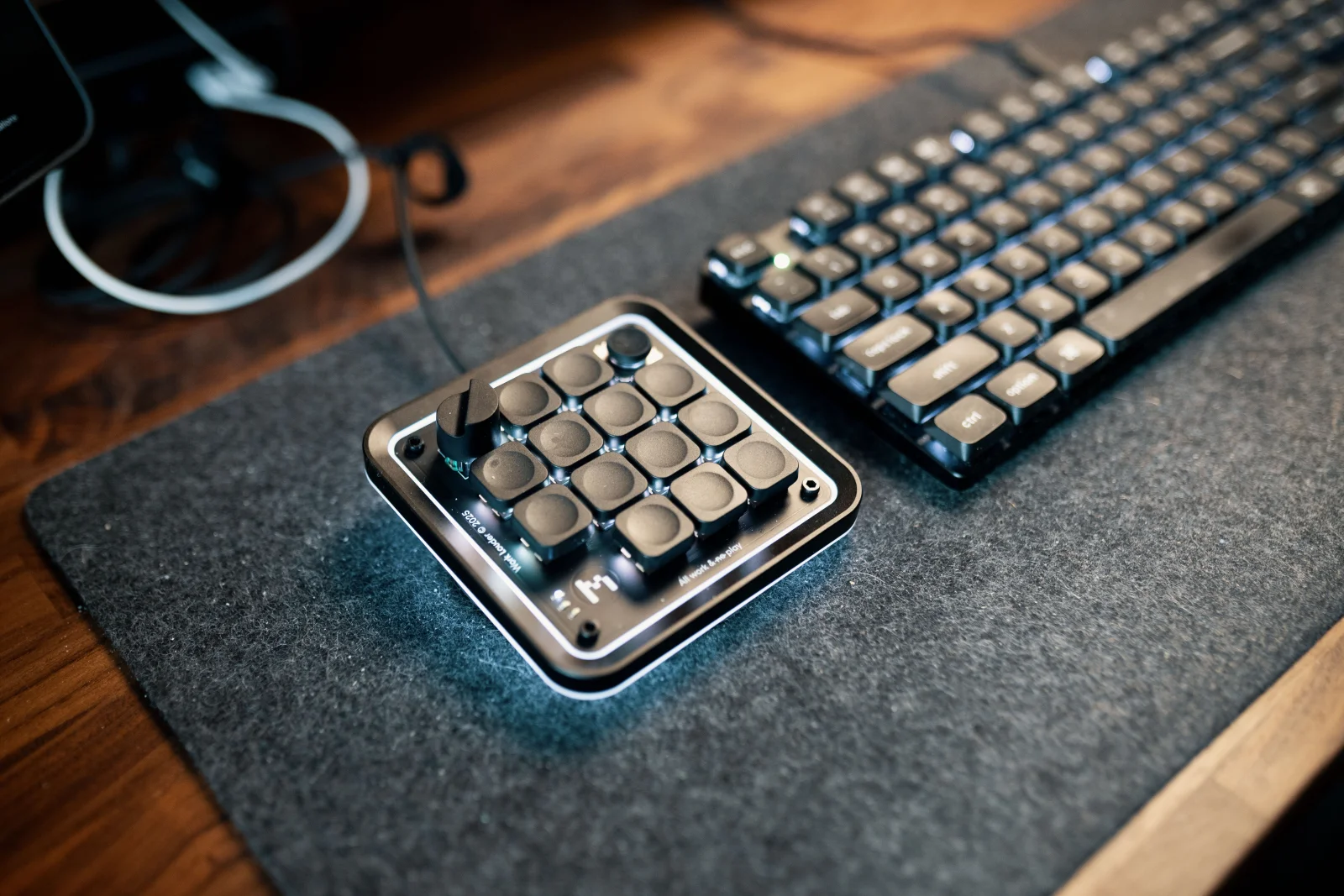
Imagine a world where your keyboard adapts to your unique workflow, allowing you to streamline tasks and enhance productivity. Enter the world of modular macro keypads—devices designed to offer unparalleled customization and efficiency.
Chapter 01
The Rise of Macro Keypads
Why modular macro keypads have become essential tools in both gaming and professional environments.
The Need for Customization
In the age of personalization, the ability to customize hardware to fit individual needs has become more than a luxury—it’s a necessity. Macro keypads allow users to assign specific functions to each key, turning complex sequences into a single keystroke. This customization is not only a boon for gamers seeking rapid response times but also for professionals aiming to optimize their workflow.

Enter the world of modular macro keypads—devices designed to offer unparalleled customization and efficiency.
A senior hardware designer
Bridging Hardware and Software
The true power of modular macro keypads lies in their ability to seamlessly integrate with software. By bridging hardware and software, users can create a setup that not only responds to their commands but anticipates them. This requires a deep understanding of the interaction between firmware and software.
hotkeys:
- key: "F1"
  action: "Open Inventory"
- key: "F2"
  action: "Quick Save"
Chapter 02
Designing for Flexibility
Exploring the modular design that allows keypads to adapt to various needs and preferences.
The Modular Approach
The modular design philosophy empowers users to rearrange and replace keys as needed. This flexibility is crucial for those who require different configurations for different tasks. For instance, a video editor may need a layout vastly different from a graphic designer.
Narrative flow
Scroll through the argument
01
Step 1: Choose Your Base
Select a keypad base that suits your needs, whether it's a compact or extended version.
02
Step 2: Configure Keys
Assign functions to each key based on your workflow. Use software to map commands efficiently.
03
Step 3: Test and Iterate
Test your setup in real scenarios and adjust as necessary to fine-tune your experience.
Modular Keypad Configurations



Challenges and Considerations
Despite their advantages, modular macro keypads come with their own set of challenges. Ensuring compatibility with various systems and applications can be complex, and users must be prepared to troubleshoot potential issues. Additionally, the initial setup can require a significant investment of time to tailor the keypad to one’s exact preferences.
Ultimately, the rise of modular macro keypads signals a shift towards more personalized and efficient computing experiences. By allowing users to tailor their hardware to their specific needs, these devices are revolutionizing both gaming and professional workflows.