Creating an ADS-B receiver is no longer limited to aviation enthusiasts with plenty of cash to spare. With the right tools and guidance, you too can track aircraft in real-time without spending a fortune. This article guides you through the key components and steps needed to build your own ADS-B receiver, using open-source technology and cost-effective hardware.
Chapter 01
Understanding ADS-B Technology
Explore the fundamentals of ADS-B and why it's crucial for modern aviation.
The Foundation of Aircraft Monitoring
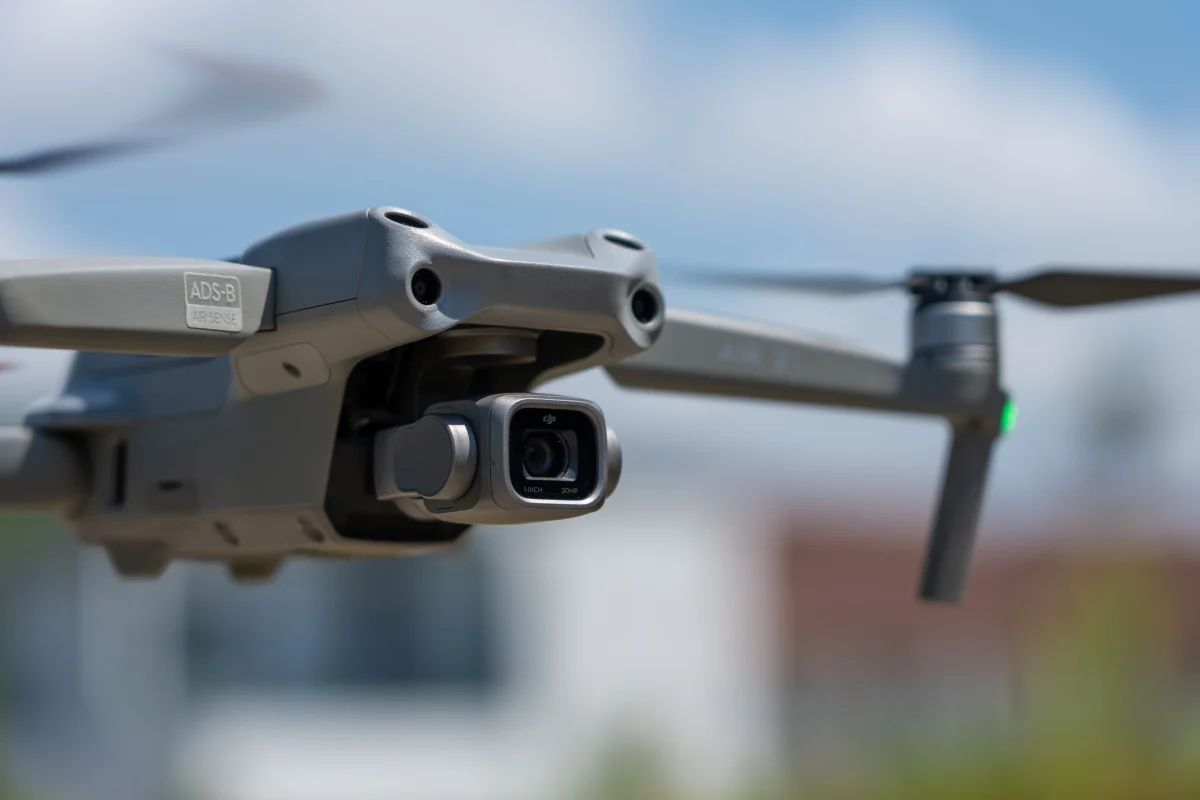
Automatic Dependent Surveillance–Broadcast (ADS-B) broadcasts an aircraft’s position and other essential data, revolutionizing surveillance technology. By offering precise location information to air traffic controllers and other aircraft, ADS-B significantly enhances safety.
- Real-time Data: With ADS-B, live updates on aircraft positions increase situational awareness.
- Cost-efficient: Reduces the expense of infrastructure compared to traditional radar systems for aircraft tracking.
Essential Components
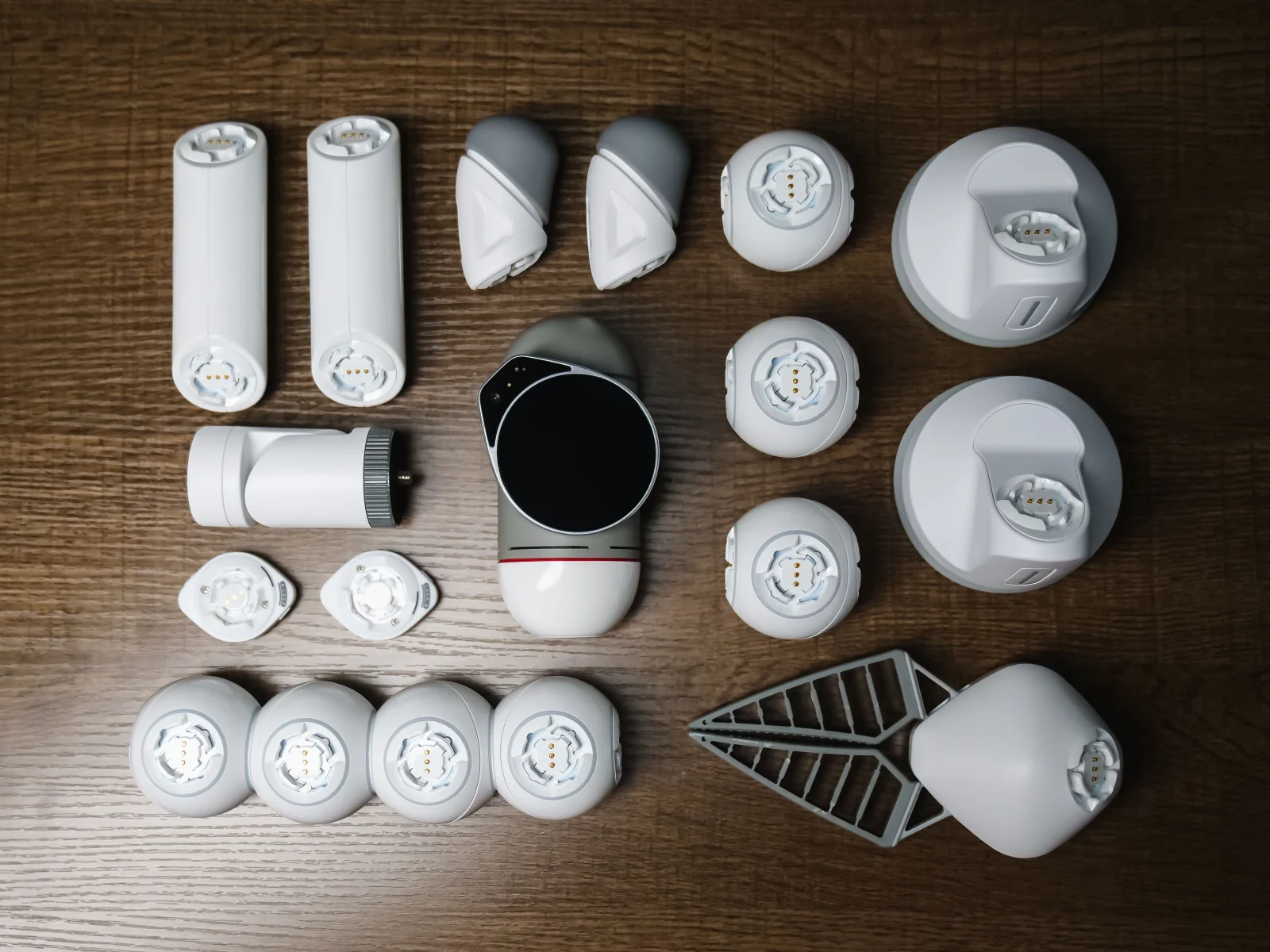
To create an ADS-B receiver, gather the following:
- Raspberry Pi: A flexible single-board computer.
- SDR Dongle: A software-defined radio for receiving signals.
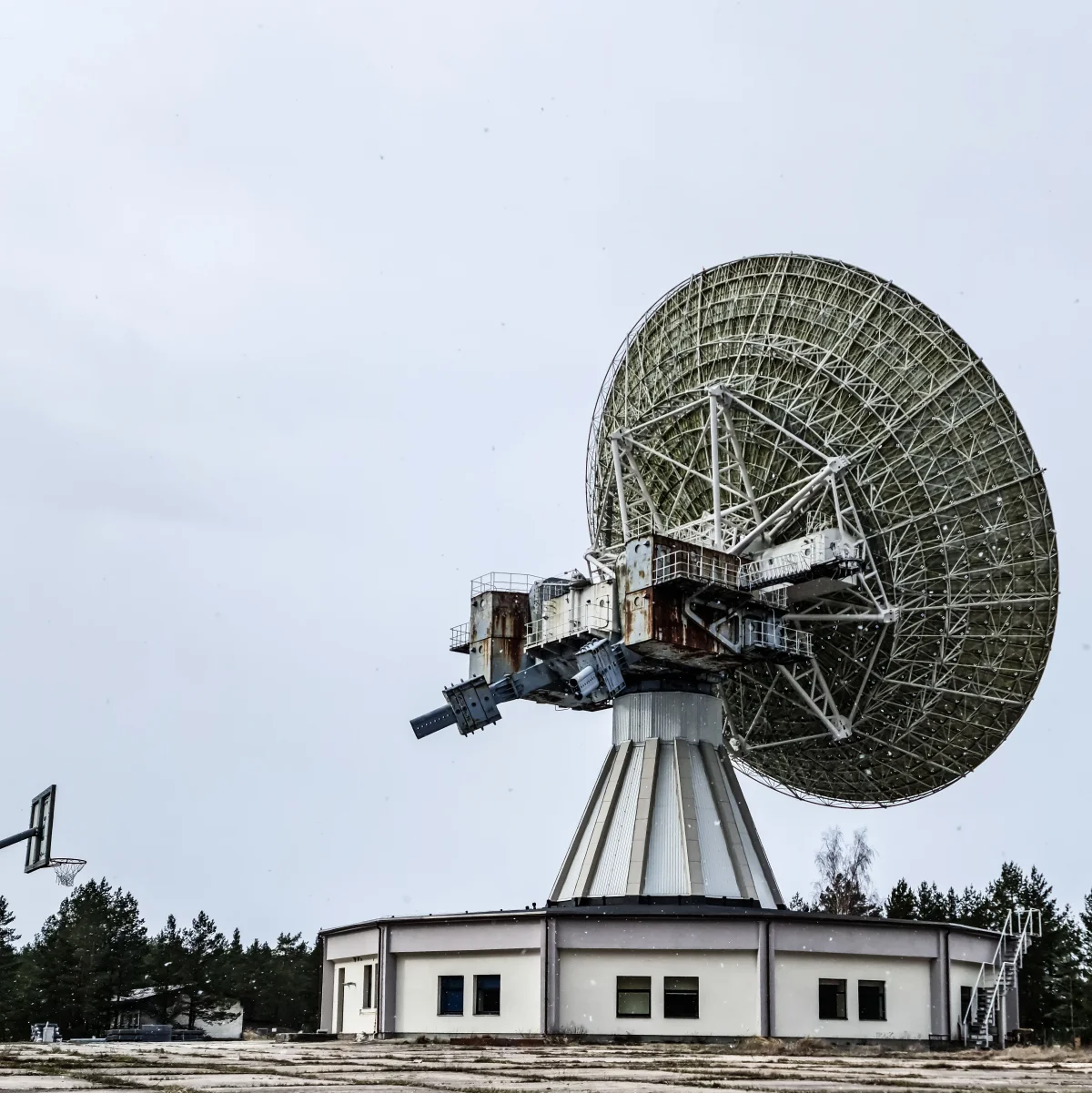
- Antennas: Essential for effectively capturing ADS-B signals.
Automatic Dependent Surveillance–Broadcast (ADS-B) broadcasts an aircraft's position and other essential data, revolutionizing surveillance technology.
A technology enthusiast
Chapter 02
Assembling Your ADS-B Receiver
Step-by-step guide to putting together your ADS-B receiver.
Narrative flow
Scroll through the argument
01
Step 1: Setup the Raspberry Pi
Install the operating system and connect peripherals like the SDR dongle and power supply.
02
Step 2: Software Installation
Download and configure software such as PiAware or FlightAware to decode ADS-B signals.
03
Step 3: Fine-tuning
Adjust your antenna setup for optimal signal reception and calibrate the software settings.
Software Setup
After assembling the hardware, configuring your software becomes a crucial next step:
- PiAware: This open-source platform allows you to share your data with FlightAware.
- FlightAware: Offers a user-friendly interface to visualize flight data.
sudo apt-get update
sudo apt-get install dump1090-fa piaware
piaware-config feeder-id <your-feeder-id>
sudo systemctl restart piaware
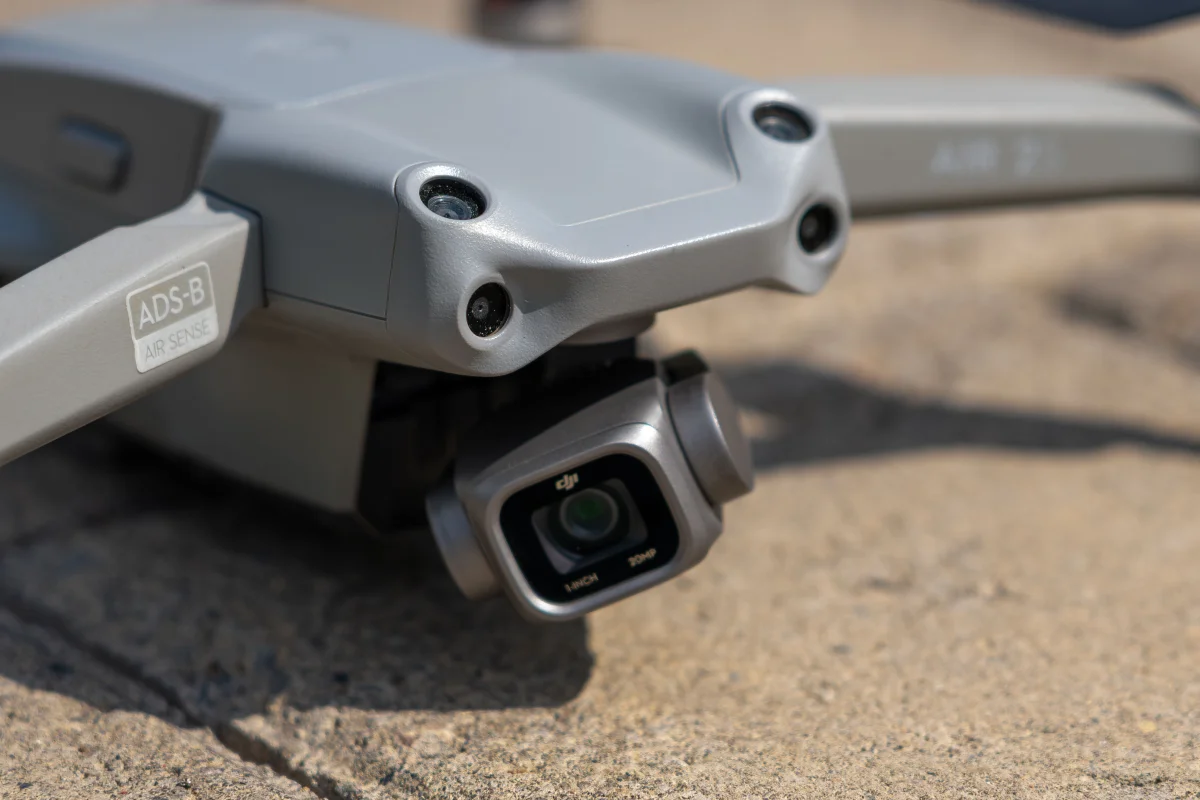
ADS-B Receiver Setup

Chapter 03
Real-world Applications and Benefits
Explore practical uses and the broader impact of personal ADS-B receivers.
Broadening Your Perspectives
An ADS-B receiver does more than keep track of planes; it broadens your horizons for investigation and knowledge:
- Educational Insights: Delve into aviation technology and data analysis.
- Improved Safety: Play a part in public safety by contributing data to global networks.
- Community Participation: Become part of a network with fellow enthusiasts and professionals.
Possible Obstacles
Building an ADS-B receiver is generally straightforward, but you might face certain challenges:
- Signal Interference: Could be an issue in densely populated areas.
- Weather Impact: Poor weather conditions might affect signal quality and reception.
Creating an ADS-B receiver provides not just a tool for sky monitoring, but also cultivates a deeper understanding of aviation technology. With inexpensive components and open-source software, this challenge is attainable for anyone curious about the wonders of flight.