Tech Update
Markdown Meets Google Docs
A seamless integration that transforms document editing for developers.
Google Docs has taken a significant step forward by introducing native support for markdown files. This update is more than just a feature addition; it represents a shift in how documents can be created, edited, and shared among tech-savvy users. By embracing markdown, Google Docs positions itself as a versatile tool not only for casual users but also for developers and tech professionals who rely on markdown for its simplicity and efficiency.
Chapter 01
Why Markdown Matters
Understanding the significance of markdown in modern document workflows.
Markdown’s Growing Influence
Markdown is a lightweight markup language that has gained popularity due to its simplicity and ease of use. It allows users to format text using plain text syntax, making it particularly appealing for developers who want to create well-structured documents without the complexity of traditional word processors.
- Simplicity: Markdown’s syntax is intuitive and easy to learn, making it accessible for users of all skill levels.
- Portability: As a plain text format, markdown files can be opened and edited in any text editor, ensuring cross-platform compatibility.
- Versatility: From writing documentation to creating web content, markdown is used across various fields, proving its adaptability.
Integration with Google Docs
With Google Docs now supporting markdown files, users can seamlessly import, edit, and export markdown documents. This integration eliminates the need for third-party converters and streamlines the workflow for teams that rely on markdown for collaboration.
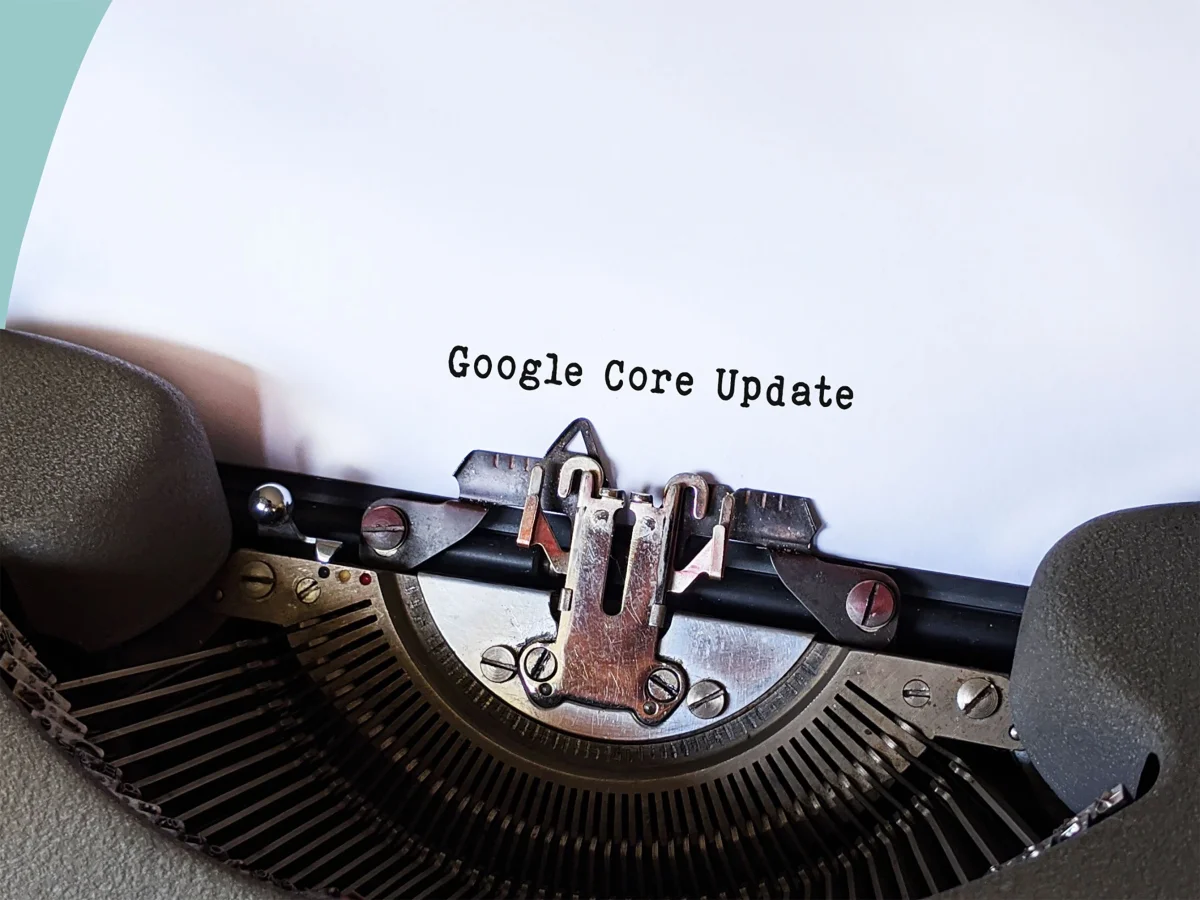
Google Docs has taken a significant step forward by introducing native support for markdown files.
A tech enthusiast
Chapter 02
Enhancing Collaboration and Efficiency
How markdown support in Google Docs improves team productivity.
Streamlined Workflow
The ability to work with markdown files directly in Google Docs is a game-changer for teams that prioritize efficiency. Here are three steps illustrating how this update enhances collaboration:
Narrative flow
Scroll through the argument
01
Step 1: Seamless Import
Markdown files can be imported directly into Google Docs, preserving formatting and structure without any conversion headaches.
02
Step 2: Collaborative Editing
Once imported, team members can collaborate in real-time, leveraging Google Docs' powerful editing and commenting features.
03
Step 3: Easy Export
After edits are complete, documents can be exported back to markdown format, ready for deployment or further processing.
Markdown in Action


Future Implications
This update not only benefits current users but also sets a precedent for how other platforms might integrate markdown support. By simplifying the document workflow, Google Docs is paving the way for more efficient and collaborative environments in both professional and educational settings.
The future of document editing is here, and it’s powered by markdown. As Google Docs continues to evolve, its support for markdown files marks a significant milestone in the journey towards more accessible and efficient digital communication. This feature not only caters to the needs of developers and tech enthusiasts but also enhances the overall user experience, making document collaboration a seamless and intuitive process for everyone involved.