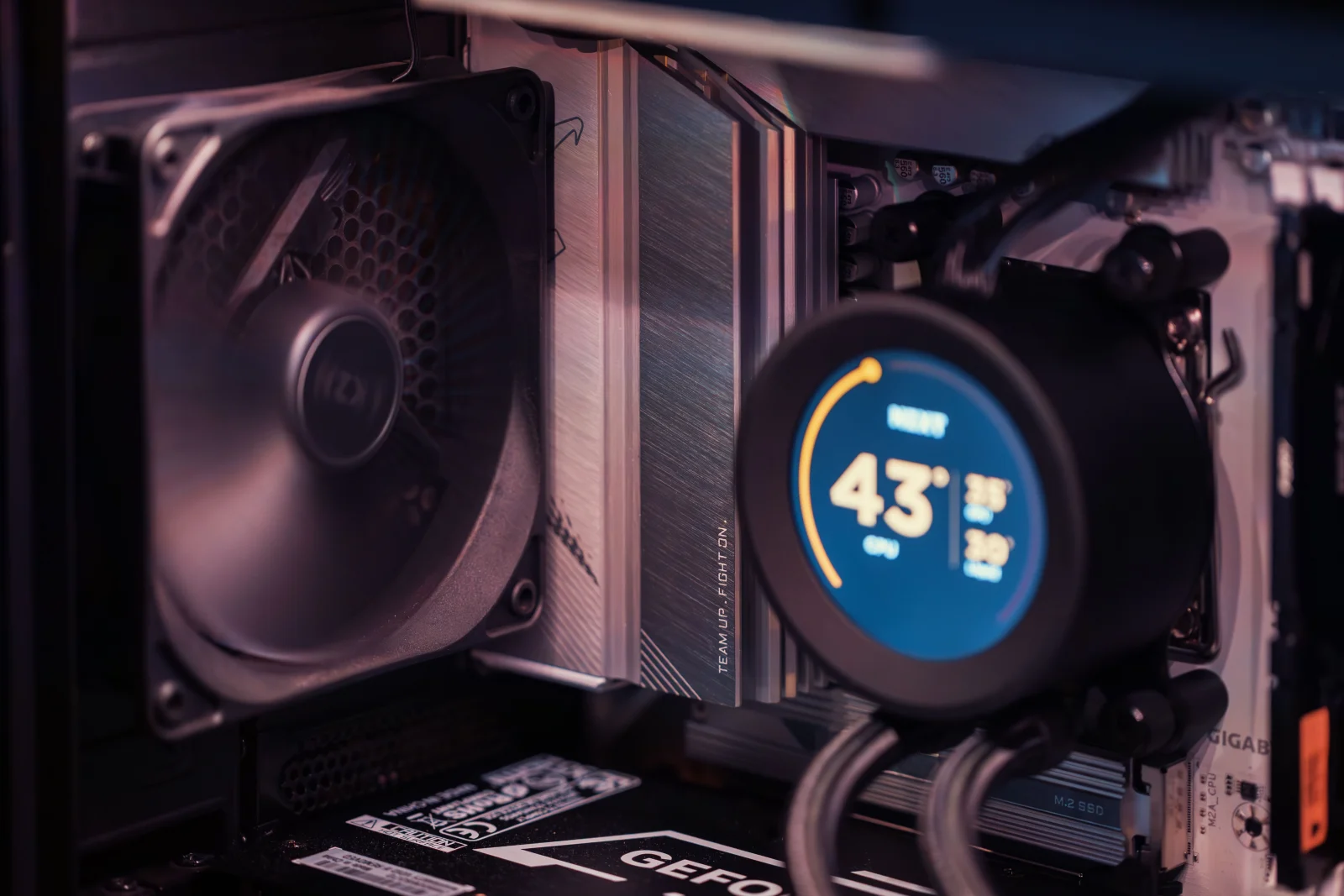
Deep Dive
Harnessing Natural Convection
The chimney effect offers a silent, efficient pathway to cooler PC performance.
The chimney effect is a natural convection phenomenon that could revolutionize how we think about cooling in computing environments. This method leverages the basic principle that hot air rises, creating a natural flow that can dissipate heat without the need for mechanical fans. For those tired of the constant hum of traditional cooling systems, this offers a refreshing alternative.
Chapter 01
Understanding the Chimney Effect
Explore how the chimney effect works and why it's a viable cooling solution for PCs.
The Basics of Natural Convection
Natural convection occurs when air is heated by PC components, causing it to rise. As it ascends, cooler air from below replaces it, creating a cycle that passively cools the system. This cycle is the essence of the chimney effect, named for its similarity to how chimneys expel smoke.
Benefits Over Traditional Cooling
- Silence: Unlike fans, passive cooling doesn’t produce noise, leading to a quieter environment.
- Energy Efficiency: By reducing reliance on electrical components, it saves energy.
- Maintenance: Fewer moving parts mean less wear and tear, translating to lower maintenance needs.
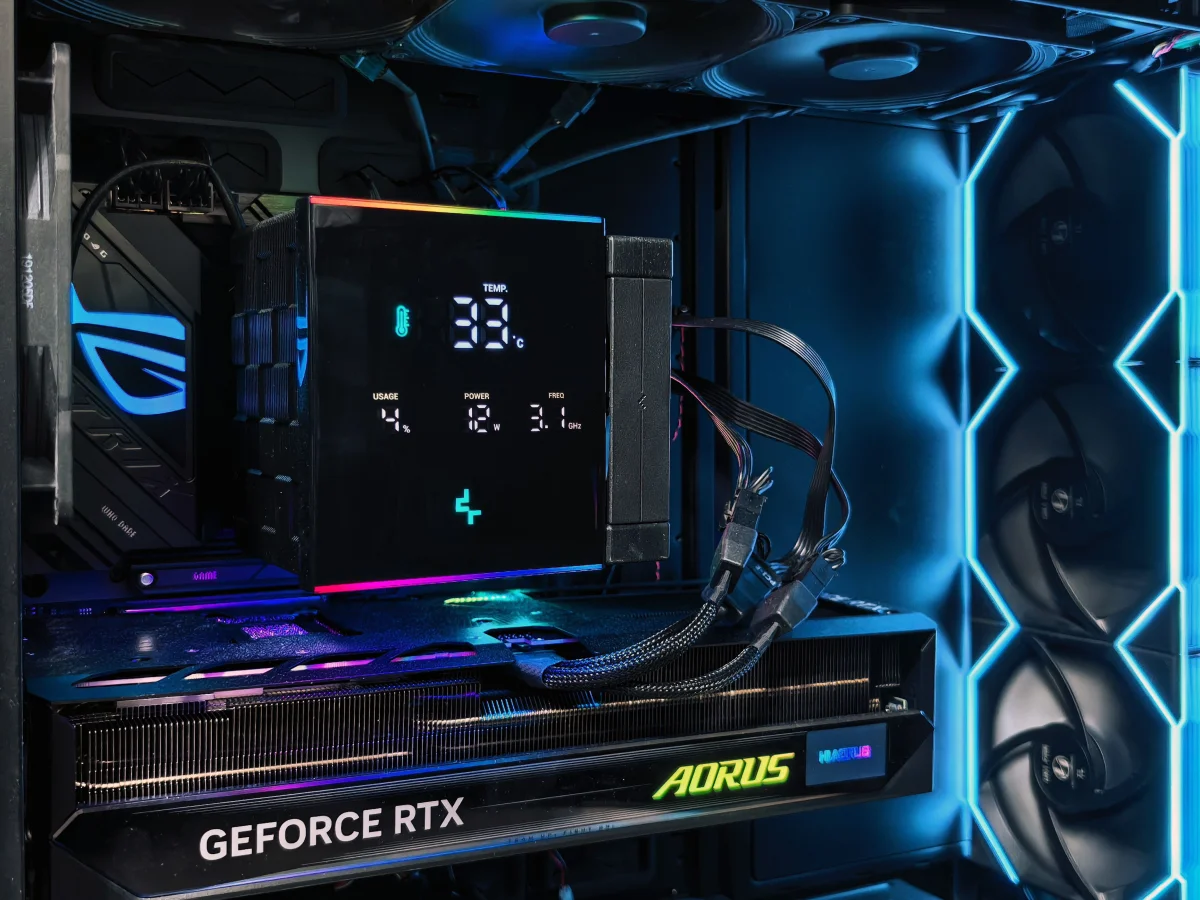
The potential for silent computing has never been more achievable.
A thermal design engineer
Chapter 02
Implementing the Chimney Effect
Learn how to design and arrange your PC components to maximize the chimney effect.
Designing for Natural Airflow
The key to utilizing the chimney effect in a PC build is design. Case design should allow for vertical airflow, with intake vents at the bottom and exhaust vents at the top. This setup encourages the natural upward flow of heat.
Narrative flow
Scroll through the argument
01
Choose the Right Case
Select a case with ample bottom and top ventilation to facilitate natural air movement.
02
Component Placement
Place heat-generating components such that they align with the natural airflow path.
03
Optimize Air Paths
Ensure there are no obstructions that could disrupt the airflow cycle, such as cables or bulky components.
Fine-Tuning Your Setup
- Use of Heat Sinks: Equip components like the CPU and GPU with efficient heat sinks to maximize heat dissipation.
- Avoid Blockages: Keep cabling tidy to prevent airflow disruption.
- Monitor Temperatures: Use software to track component temperatures and ensure the system stays within safe limits.
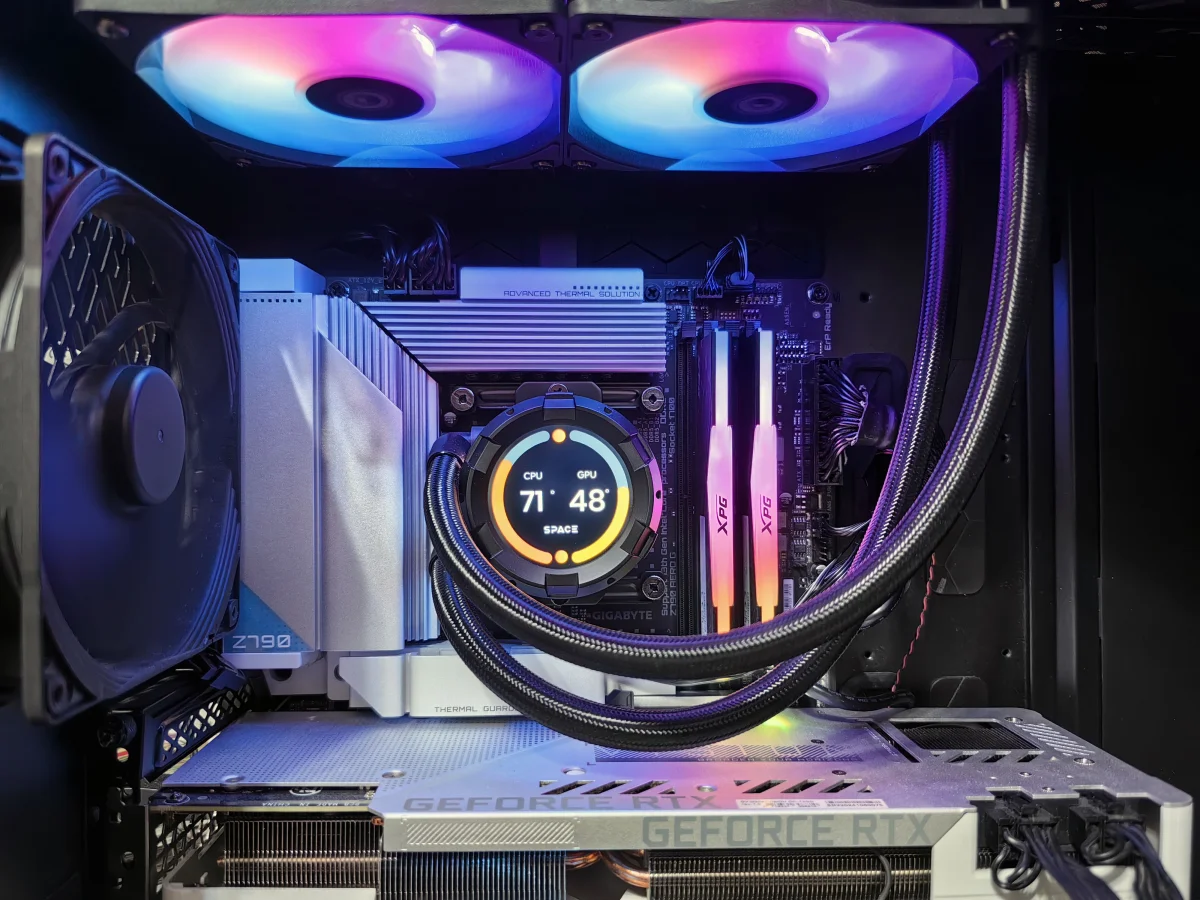
Visualizing the Chimney Effect


Chapter 03
Challenges and Considerations
Address the limitations and trade-offs of using the chimney effect for PC cooling.
Potential Drawbacks
While the chimney effect offers many advantages, it’s not without its challenges. High-performance systems that generate significant heat might still require supplemental cooling methods. Additionally, the effectiveness is highly dependent on the surrounding environment and case design.
Real-World Applications
For home offices or environments where silence is paramount, the chimney effect is ideal. It’s also suitable for media centers or low-power servers where noise and power consumption are primary concerns.
In the realm of passive cooling, the chimney effect represents a compelling option for those seeking to reduce noise and maintenance without compromising on performance. While it may not replace fans entirely in every scenario, its potential for creating quieter, more efficient systems is undeniable.