Adobe Premiere’s leap to Android marks a significant shift in mobile video editing, democratizing creativity with free, accessible tools. This move leverages Adobe’s legacy in video production, bringing core features to a broader audience.
Chapter 01
Core Features Unlocked
Explore the essential tools Adobe Premiere offers to Android users, transforming mobile devices into capable editing studios.
Free Tools for Every Creator
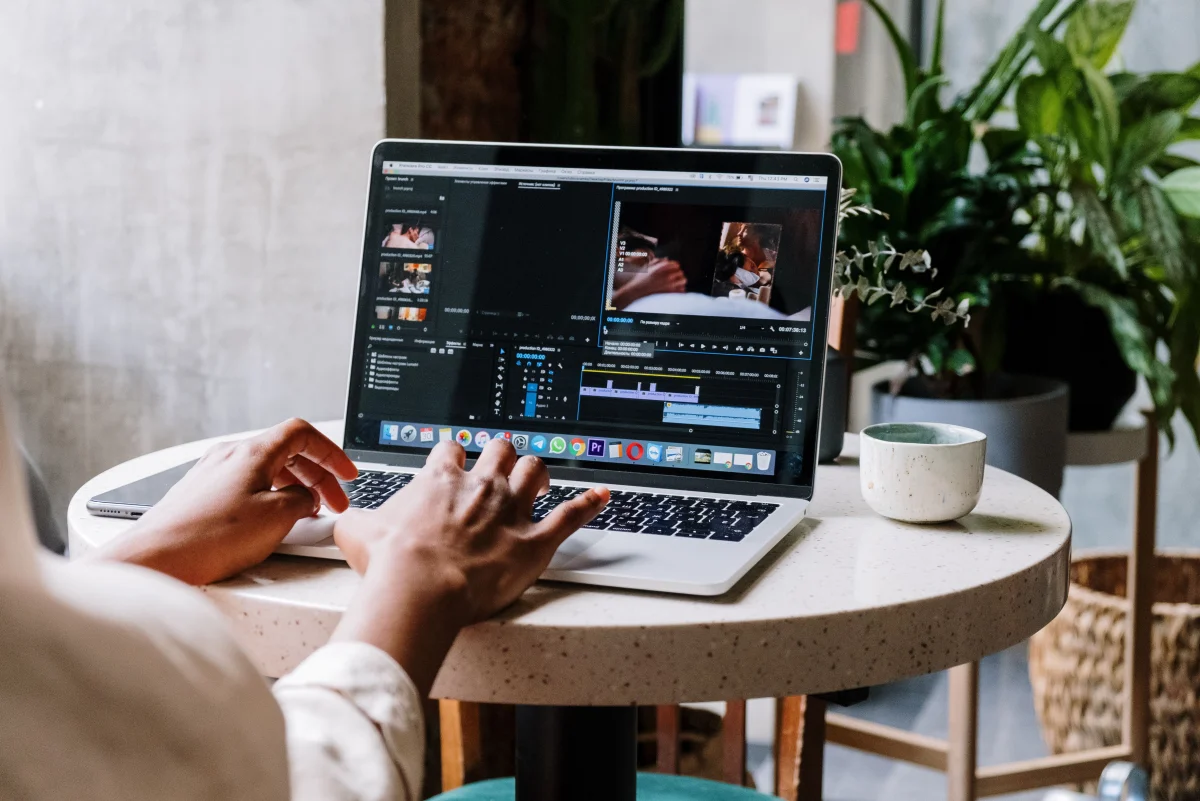
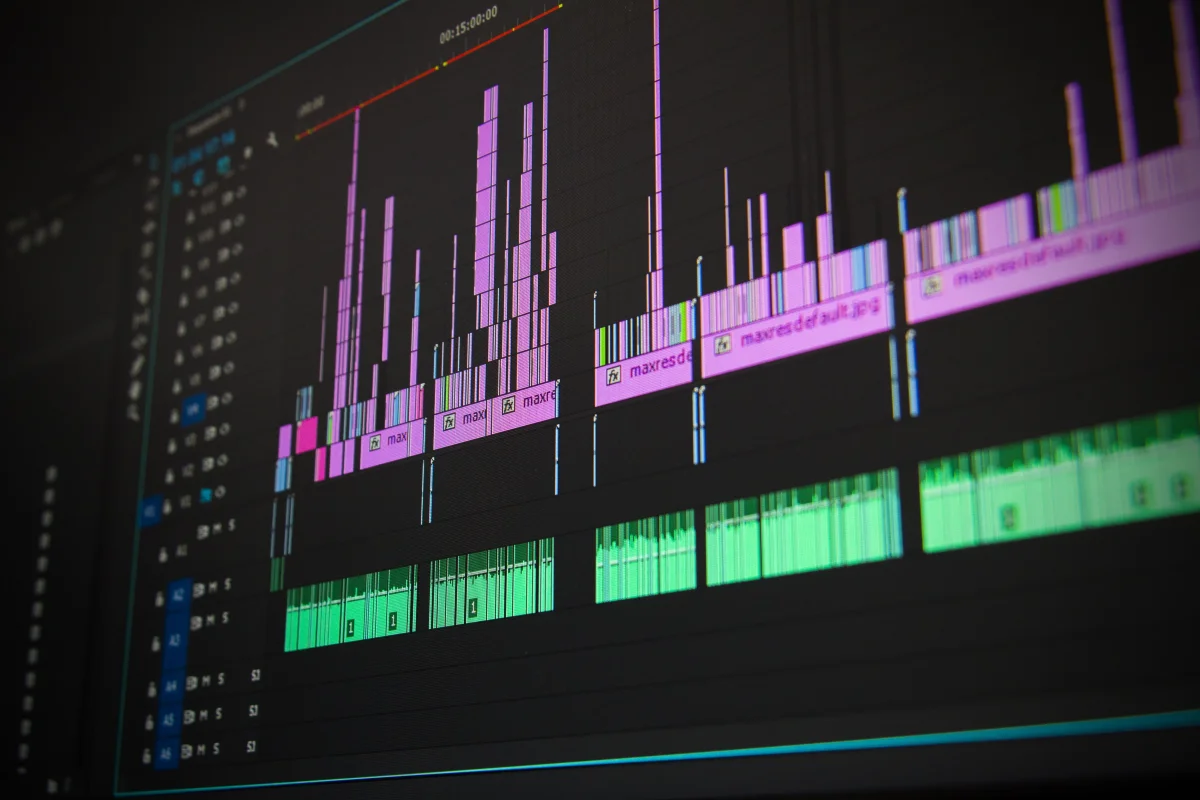
The Android version of Adobe Premiere offers a suite of free tools that cater to both novice and seasoned editors. Users can trim clips, adjust colors, and apply basic effects without cost. These tools open doors for creators who previously lacked the resources for desktop editing.
- Trim and Cut: Easily slice videos to create compelling narratives.
- Color Adjustments: Enhance visual storytelling with basic color correction tools.
- Transitions: Seamlessly blend scenes with introductory transitions.
These features, while fundamental, empower users to produce polished content directly from their smartphones.
Advanced Features Reserved
While the free version provides foundational tools, Adobe reserves advanced features for its paid subscribers. This tiered approach ensures that professional features are maintained for those who require sophisticated tools, maintaining a balance between accessibility and professional-grade capabilities.
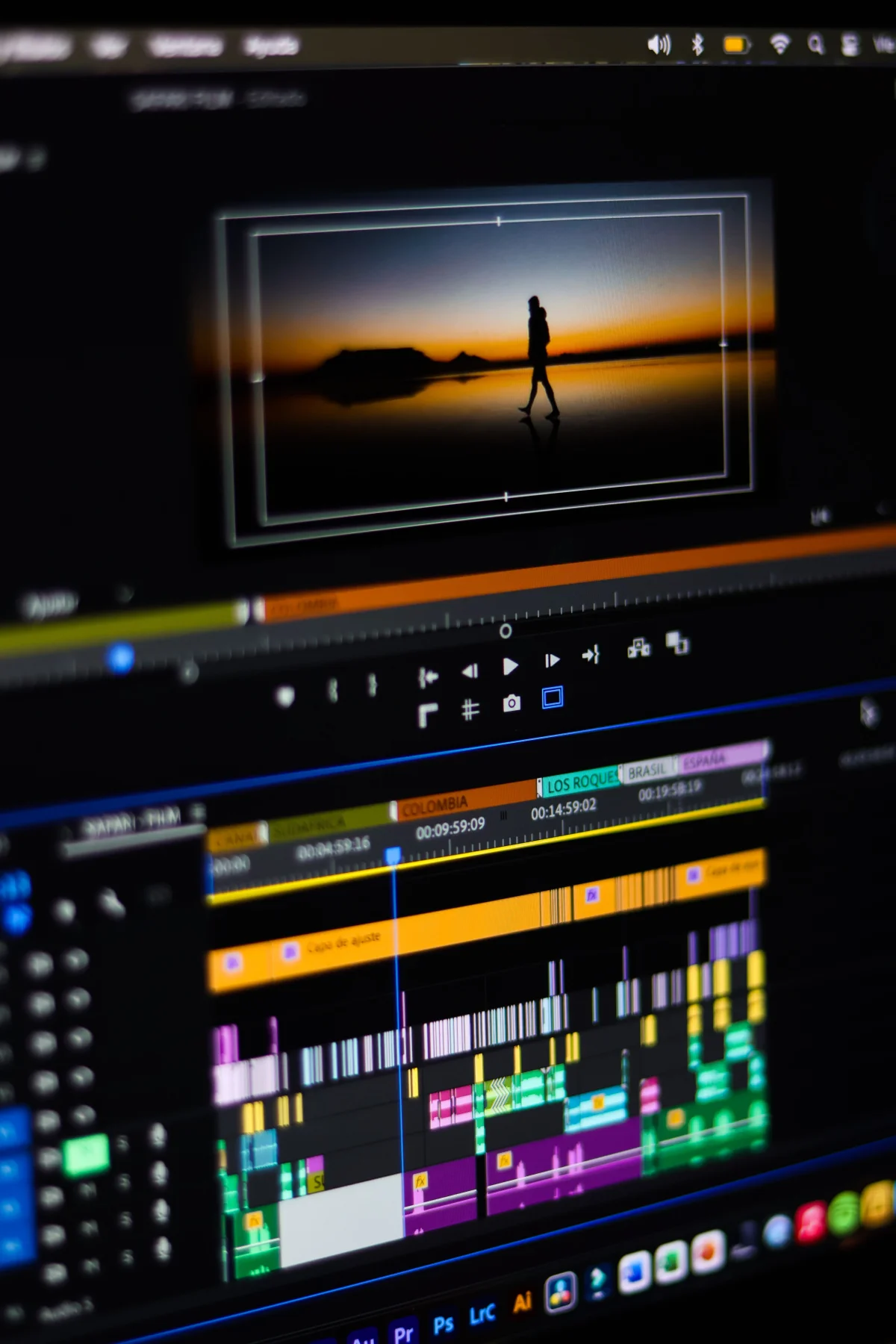
The Android version of Adobe Premiere offers a suite of free tools that cater to both novice and seasoned editors.
Mobile Video Editing Expert
Chapter 02
Seamless Integration
Discover how Adobe Premiere's Android app integrates with other devices, offering a cohesive editing experience.
Cross-Platform Compatibility
Adobe’s integration strategy ensures that projects begun on Android can be seamlessly continued on desktop versions of Premiere. This cross-platform compatibility allows creators to start a project on the go and finish it with the full power of desktop hardware.
- Cloud Sync: Projects sync automatically across devices, eliminating version control headaches.
- Consistent UI: Familiar interface across platforms eases the transition from mobile to desktop.
- Project Portability: Easily move projects between devices without format issues.
This consistency is crucial for creators juggling multiple devices, ensuring that their workflow remains smooth and uninterrupted.
Editing Tools in Action
Chapter 03
The Future of Mobile Editing
As Adobe Premiere expands its reach, consider the implications for the future of video production on mobile platforms.
A New Era of Mobile Editing
The introduction of Adobe Premiere to Android represents a pivotal moment in mobile video editing. As more users embrace mobile platforms, the demand for robust, portable editing solutions grows.
Narrative flow
Scroll through the argument
01
Increased Accessibility
Adobe's move makes professional editing tools available to a wider audience, lowering the entry barrier for content creation.
02
Enhanced Portability
With editing capabilities on mobile devices, creators can work from anywhere, at any time.
03
Creative Freedom
Users are empowered to experiment and innovate with tools traditionally locked behind desktop software.
The implications extend beyond individual creators, as businesses and educators explore mobile editing for training and marketing purposes.
As Adobe Premiere continues to evolve on Android, its blend of accessibility and power marks a new chapter in video production. This democratization of tools will undoubtedly shape the future landscape of content creation.