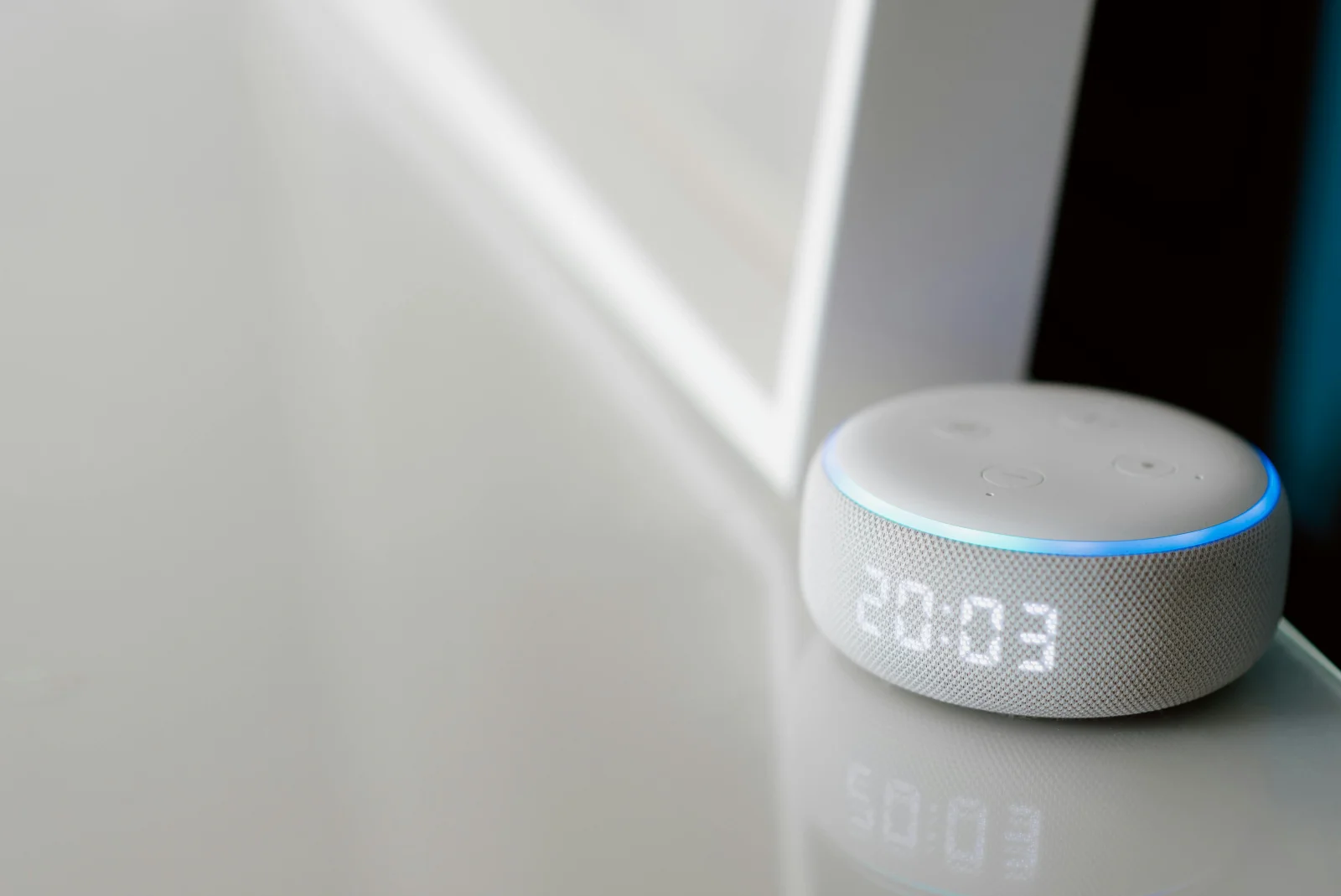
Automation Unleashed
Open-source power for your smart home.
Home Assistant integrates, automates, and elevates your living space.
Imagine a world where your home anticipates your every need. Your lights dim as you settle in for a movie, your thermostat adjusts to the perfect temperature, and your security cameras alert you to unusual activity—all without lifting a finger. This is the promise of Home Assistant, a robust open-source platform revolutionizing smart home automation.
Chapter 01
The Power of Open Source
Dive into the advantages of using an open-source platform for home automation and what sets Home Assistant apart.
Understanding Home Assistant
Home Assistant stands out in the crowded smart home market due to its open-source nature. Unlike proprietary systems, it offers unparalleled flexibility and control. Here’s why open-source matters:
- Customization: Tailor your setup to fit unique needs.
- Transparency: Inspect and modify code for security.
- Community Support: Benefit from a vibrant, knowledgeable community.
- Cost Efficiency: Avoid subscription fees and vendor lock-in.
- Integration: Connect with a vast array of devices and services.
- Innovation: Access cutting-edge features developed by the community.
The Evolution of Smart Homes
Smart home technology has evolved from simple remote controls to complex automated systems. Initially, proprietary solutions dominated the market, but they often came with limitations. Home Assistant changed this narrative by offering a flexible, community-driven platform that grows with your needs.
Why Choose Home Assistant?
Selecting Home Assistant means opting for a future-proof solution. Its open-source ecosystem encourages innovation and ensures longevity. Unlike closed systems, it’s not tied to a single company’s fate, making it a reliable choice for tech enthusiasts.

This is the promise of Home Assistant, a robust open-source platform revolutionizing smart home automation.
Chapter 02
Setting Up and Customizing
Learn how to set up Home Assistant and customize it to fit your home automation needs.
Narrative flow
Scroll through the argument
01
Installation
Begin by installing Home Assistant on a Raspberry Pi or any compatible server. This foundational step sets the stage for a seamless smart home experience.
02
Configuration
Use the intuitive interface to configure your devices and services. Home Assistant's flexibility allows for both simple setups and complex automations.
03
Automation
Automate routine tasks with ease. Whether it's turning off lights when you leave or adjusting the thermostat based on time of day, Home Assistant has you covered.
Installation Process
To get started, you need to install Home Assistant. The platform supports various installation methods, but the Raspberry Pi is a popular choice for its balance of power and affordability.
homeassistant:
installation: raspberry-pi
method: supervised
setup: default
Customizing Automations
Once installed, the real magic begins with customization. Home Assistant allows you to automate virtually any aspect of your smart home. Consider the following example of a morning routine automation:
automation:
alias: "Good Morning Routine"
trigger:
  platform: time
  at: "07:00:00"
action:
  - service: light.turn_on
    entity_id: light.bedroom
  - service: media_player.play_media
    entity_id: media_player.kitchen
    data:
      media_content_id: "morning_playlist"
      media_content_type: "playlist"
This setup initiates your day by gently turning on bedroom lights and playing your favorite music in the kitchen.
Troubleshooting Common Issues
While Home Assistant is robust, occasional challenges may arise. Common issues include connectivity problems and configuration errors. The community forums are an invaluable resource for resolving these swiftly.
Home Assistant in Action
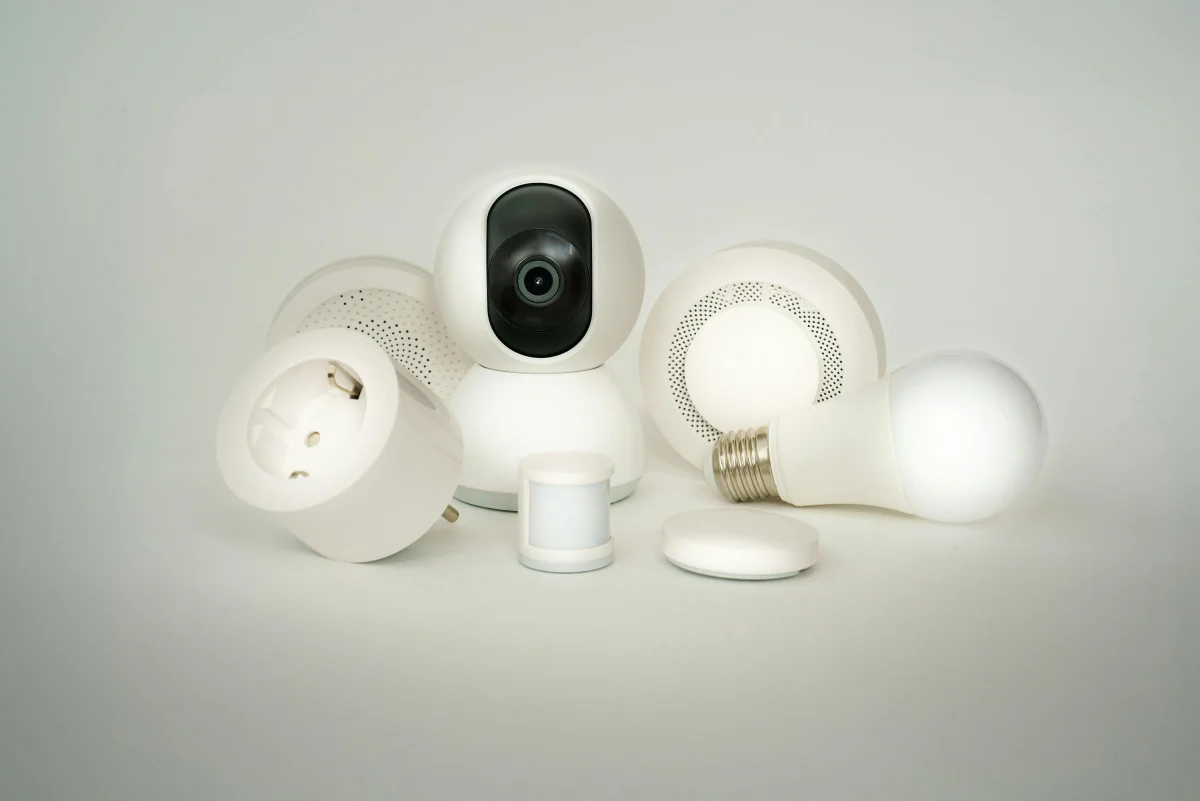
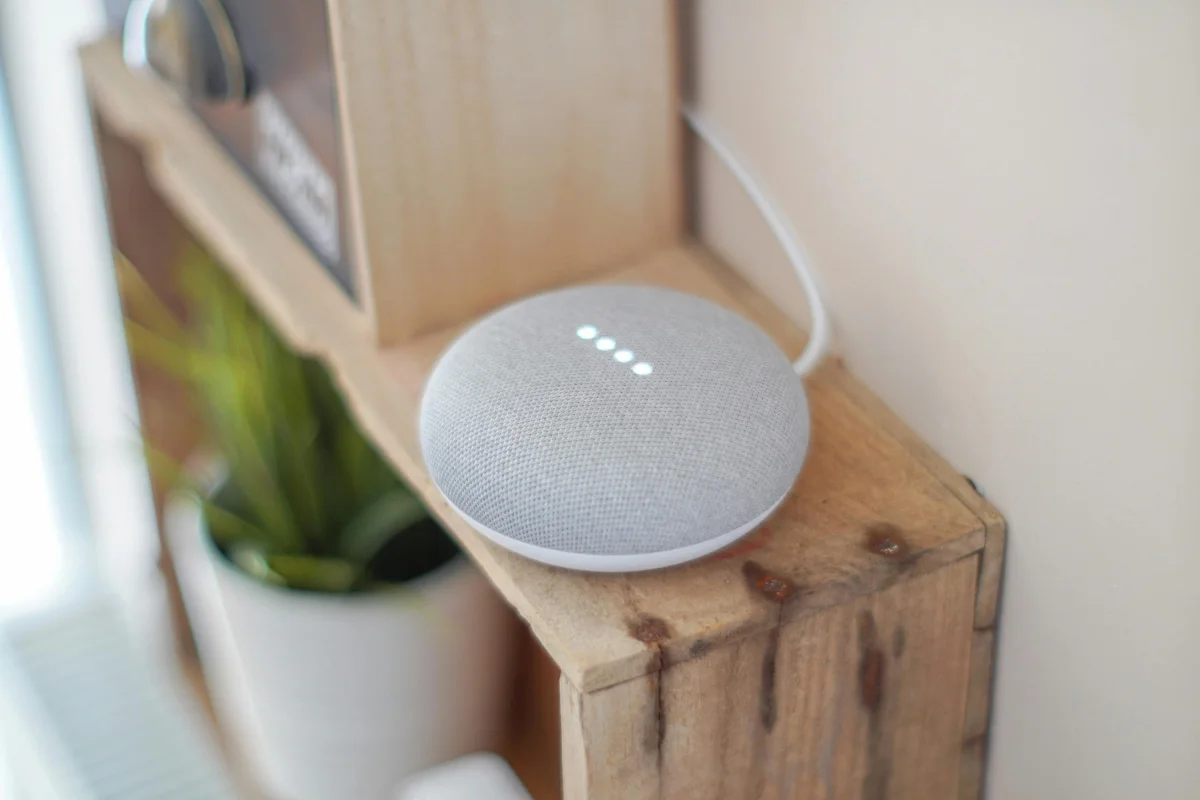
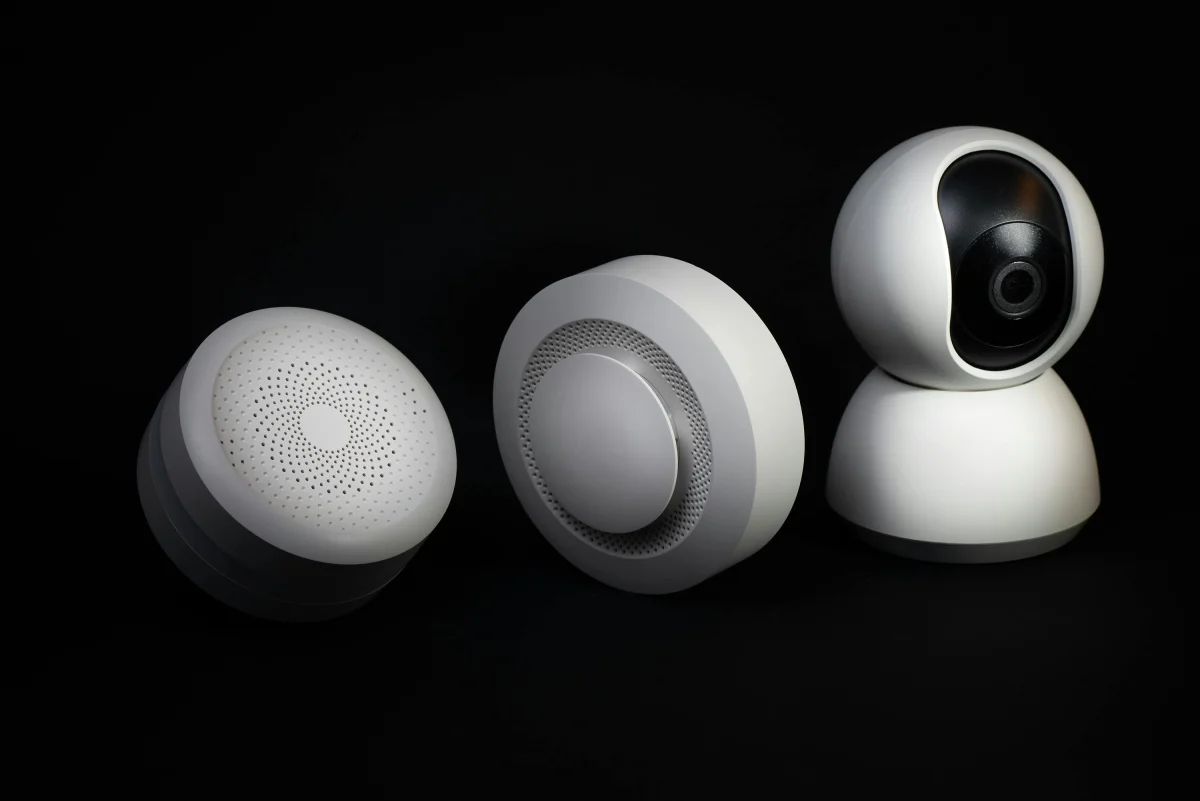
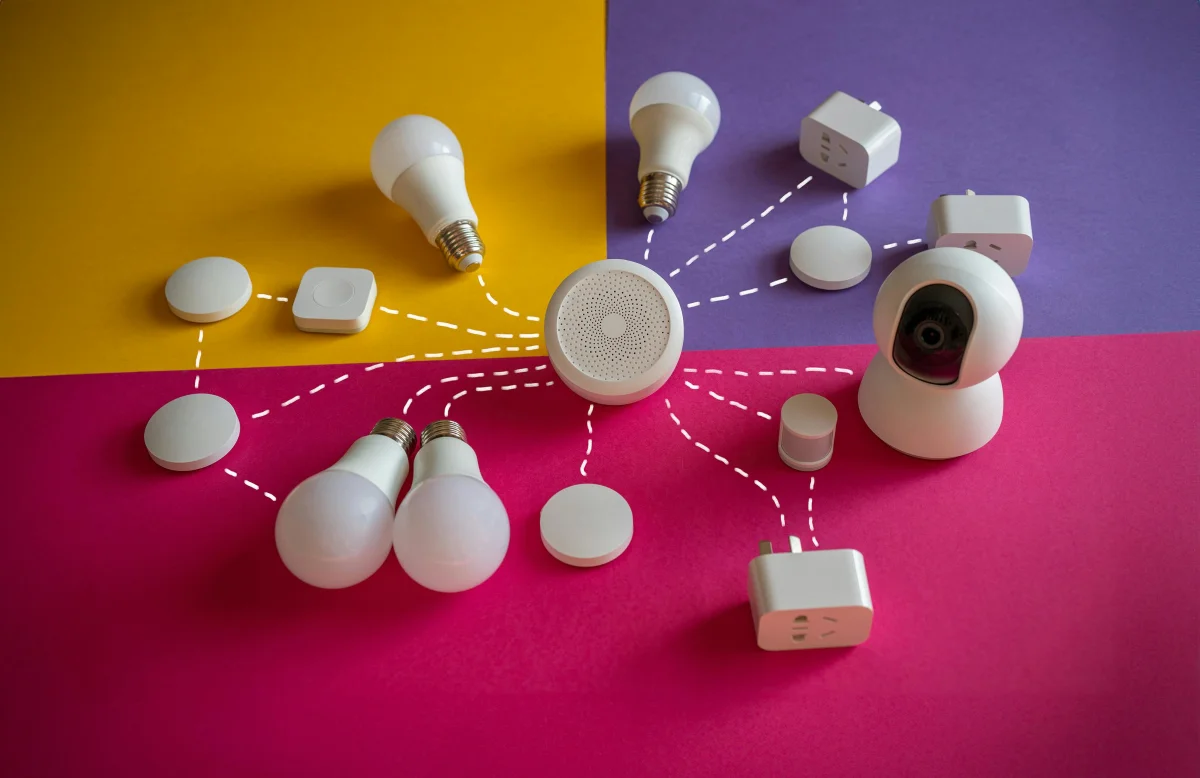
Setting up Home Assistant is just the beginning. Its potential is unlocked through thoughtful customization and continuous engagement with its active community. This integration of technology and community makes it a standout choice for smart home enthusiasts.
Chapter 03
Real-World Applications
Explore how Home Assistant is used in various real-world scenarios to enhance daily life.
Enhancing Everyday Life
Home Assistant’s impact is evident in its diverse applications across different homes. Here are some real-world examples:
- Energy Management: Monitor and reduce energy consumption by automating lights and appliances.
- Security Enhancements: Integrate cameras and sensors to create a comprehensive security system.
- Climate Control: Optimize heating and cooling systems for comfort and efficiency.
- Entertainment Systems: Seamlessly control media players and speakers for a unified experience.
- Routine Automation: Simplify daily routines with scheduled tasks and alerts.
- Remote Monitoring: Keep an eye on your home from anywhere in the world.
Case Study: A Sustainable Home
Consider a family in California who leveraged Home Assistant to transform their house into a sustainable smart home. By automating energy-intensive appliances and monitoring usage, they reduced their electricity bill by 25%.
Best Practices
When implementing Home Assistant, consider these best practices:
- Regular Updates: Keep your system updated to benefit from new features and security patches.
- Community Engagement: Participate in forums to learn from others and share your own insights.
- Backup Configurations: Regularly backup your settings to prevent data loss.
- Explore Add-ons: Utilize add-ons to expand functionality and integrate more devices.
Chapter 04
The Future of Home Automation
Examine the future possibilities and implications of using Home Assistant as the cornerstone of smart home technology.
Looking Ahead
As technology continues to advance, Home Assistant is poised to remain at the forefront of home automation. Its open-source nature ensures it can adapt to new devices and trends, making it a future-proof investment.
Practical Implementation
For those considering a smart home upgrade, Home Assistant offers a practical entry point. Its ability to integrate with existing technologies makes it a versatile choice for homeowners seeking comprehensive automation.
Balancing Innovation and Privacy
While the benefits of automation are clear, it’s essential to balance innovation with privacy. Home Assistant, being open-source, provides transparency that proprietary systems may lack, allowing users to maintain control over their data.
In a world increasingly driven by technology, Home Assistant stands as a beacon of innovation and empowerment. Its open-source foundation invites users to not only automate but also innovate, ensuring that smart homes are not just intelligent, but also personal and secure.