Retro-Tech Revival
Reimagining the Past: Magnetic Core in the Modern Age
Discover how to bridge the gap between vintage computing and today's storage needs.
In a world dominated by solid-state drives and cloud storage, the charm of magnetic core memory may seem like a relic of the past. Yet, there is a unique allure in resurrecting this vintage technology. By embarking on the journey to create a Magnetic Core Memory USB Drive, we not only pay homage to the pioneers of computing but also unlock a tangible connection to a bygone era. Imagine holding a piece of history that functions seamlessly with modern technology.
Chapter 01
The Revival of Core Memory
Understanding the basics and significance of magnetic core memory is critical before diving into its modern adaptation.
Understanding Magnetic Core Memory
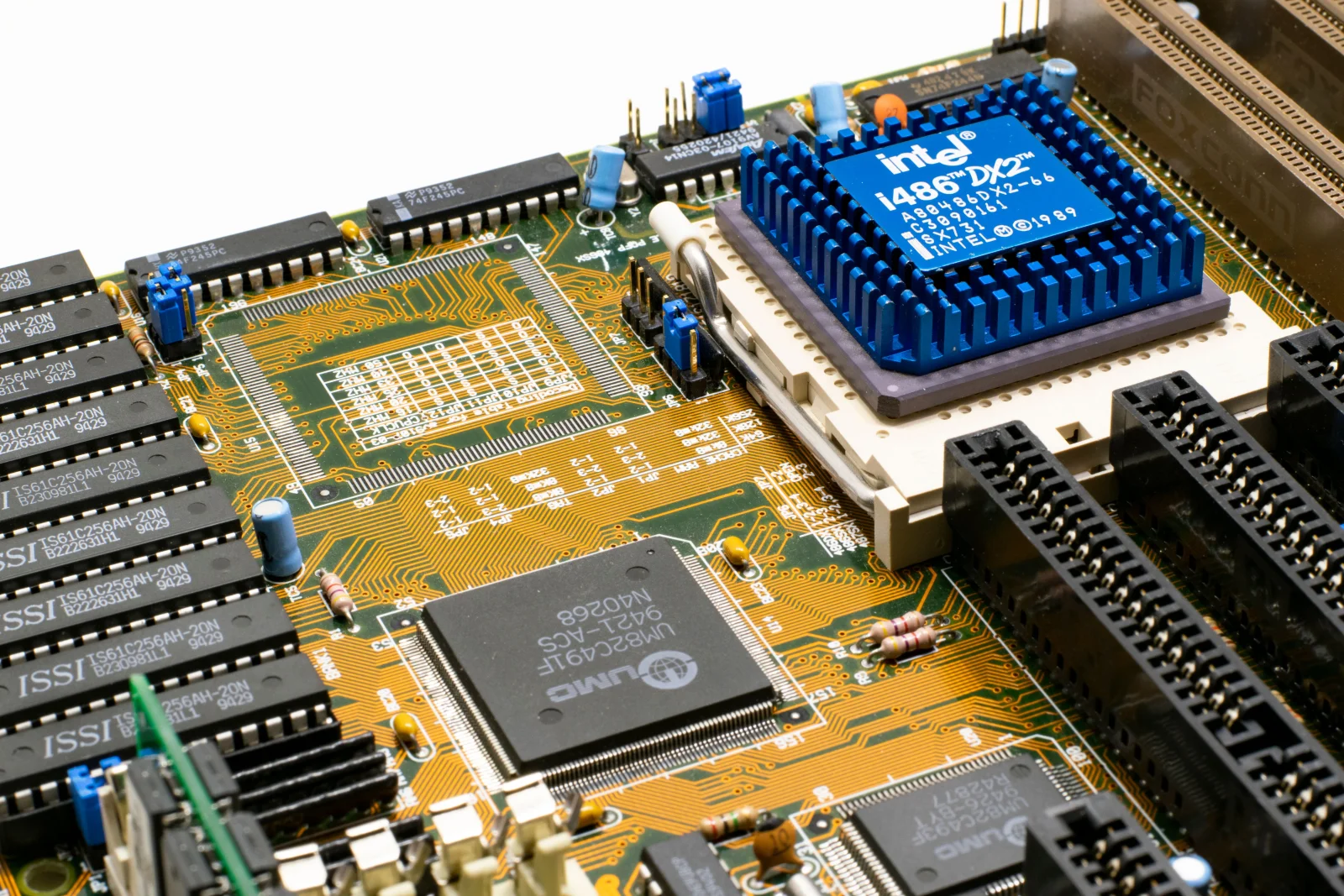
Magnetic core memory, once the backbone of computing, uses tiny magnetic rings called cores to store information. Each core represents a bit of data, with its magnetic polarity determining the bit’s value. This technology was prominent in the 1950s and 60s, offering a stable and non-volatile memory solution for early computers.
- Durability: Core memory is non-volatile, retaining data without power.
- Reliability: Known for its robustness in harsh environments.
- Speed: Though slower than today’s standards, it was revolutionary in its time.
- Size: Limited by physical constraints, typically offering small storage capacities.
- Cost: Expensive and labor-intensive to produce.
- Legacy: Formed the foundation for modern memory technologies.
The Appeal of Retro Computing
The resurgence of interest in retro computing isn’t merely about nostalgia. It serves as a powerful educational tool, providing insights into the evolution of technology. Enthusiasts and educators alike find value in reconstructing these systems, highlighting the ingenuity of past engineers. This hands-on experience fosters a deeper understanding of how far computing has come.
Historical Significance and Modern Relevance
In the 1960s, magnetic core memory was synonymous with cutting-edge technology. Fast forward to today, and its legacy endures, influencing modern memory designs and inspiring a new generation of tinkerers. The process of integrating magnetic core modules into USB drives exemplifies innovation born from historical appreciation.

In a world dominated by solid-state drives and cloud storage, the charm of magnetic core memory may seem like a relic of the past.
Chapter 02
Building the Core Memory USB
Embark on a step-by-step guide to crafting your own Magnetic Core Memory USB Drive, blending old and new technologies.
Narrative flow
Scroll through the argument
01
Gathering Materials
Start with acquiring a vintage core memory module. You'll need a USB interface, a microcontroller (such as Arduino), and essential tools like soldering equipment.
02
Assembling the Hardware
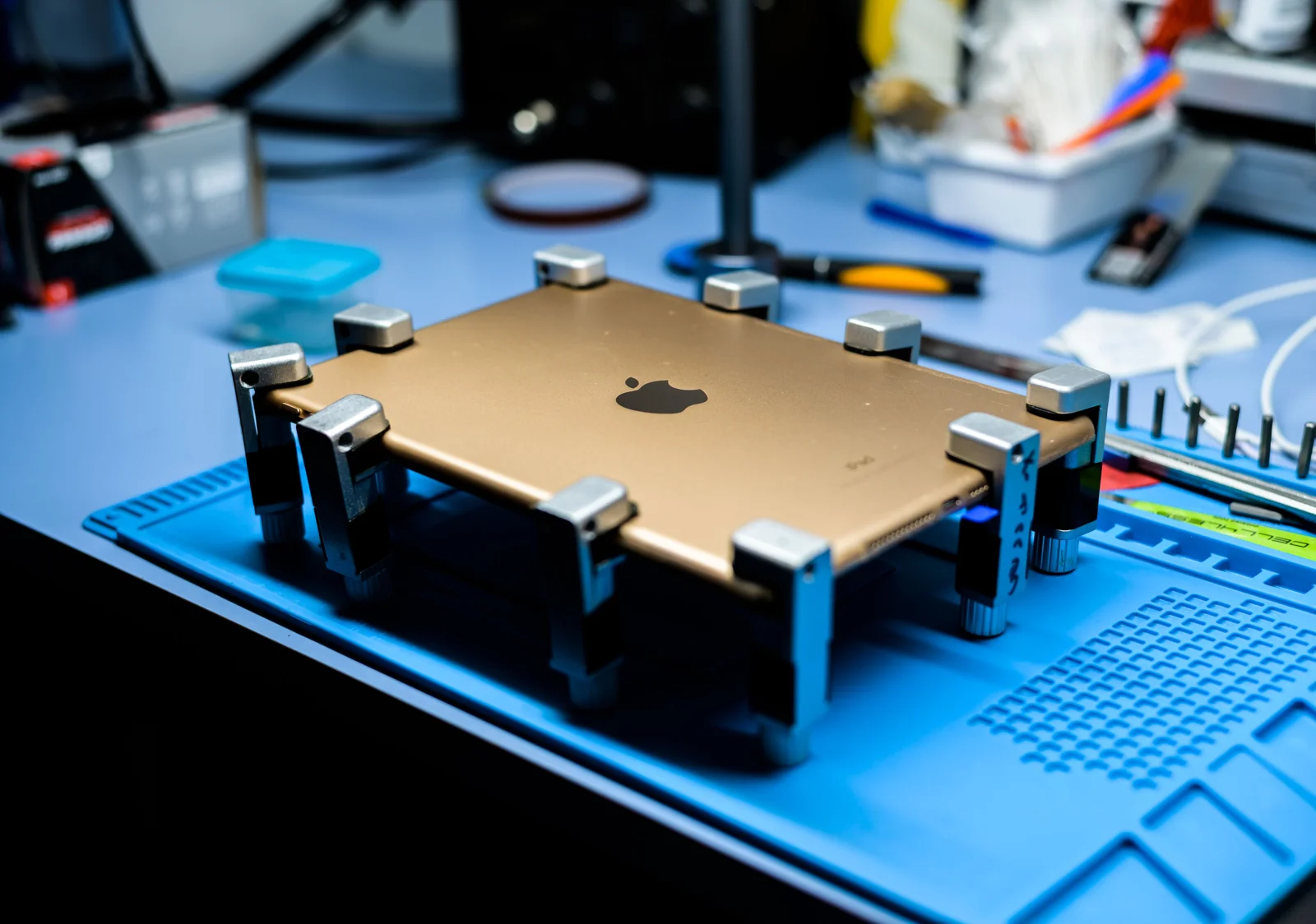
Connect the core memory module to the microcontroller. Ensure proper alignment and secure connections to avoid data integrity issues.
03
Programming the Interface
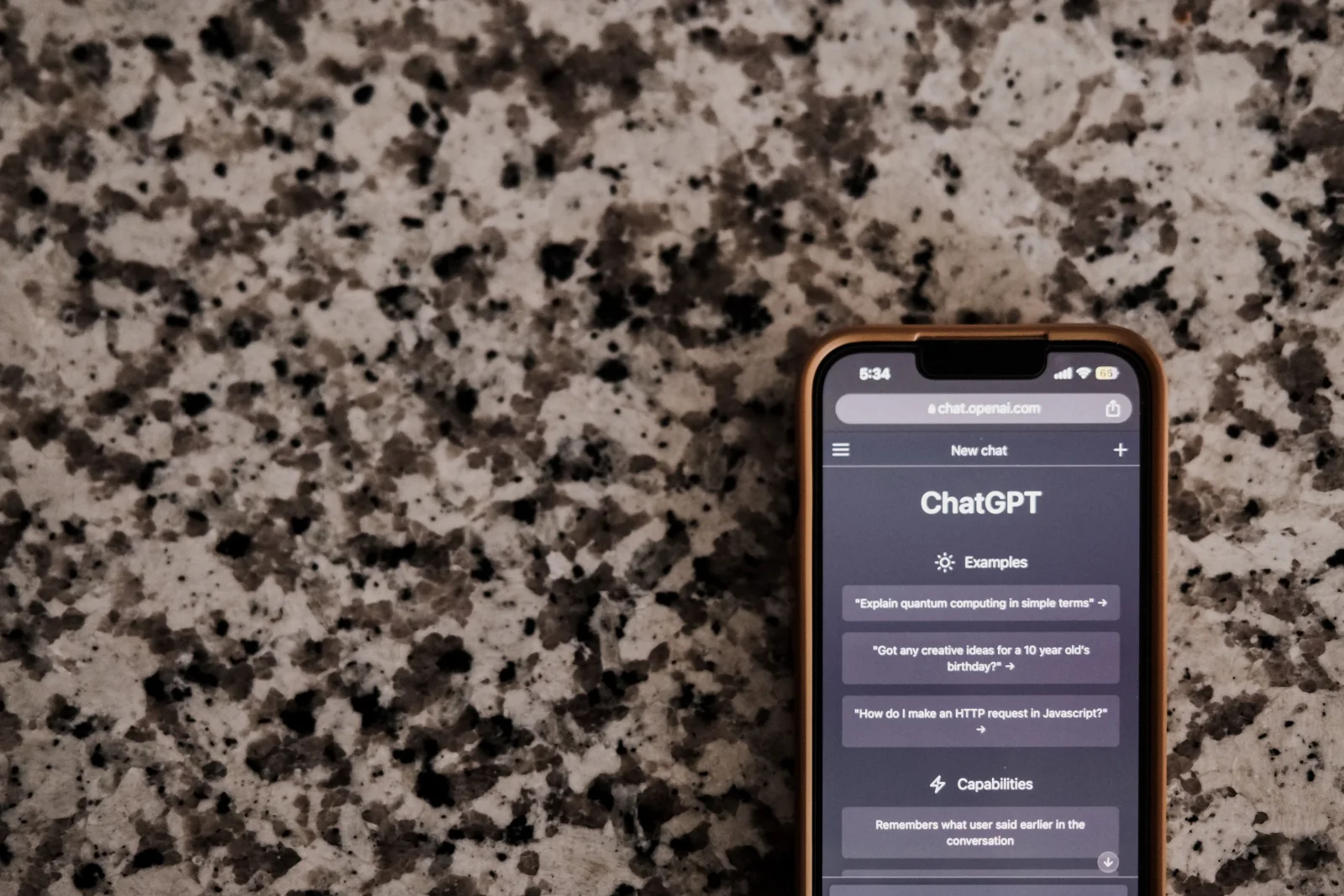
Use Python to program the microcontroller. The code should translate core memory signals into USB-compatible data formats.
Programming the Interface
With the hardware assembled, the next step is programming the microcontroller to communicate between the core memory and the USB port. Here’s a basic Python script to get you started:
import usb.core
import usb.util

# Initialize the USB connection
dev = usb.core.find(idVendor=0x1234, idProduct=0x5678)
if dev is None:
  raise ValueError('Device not found')

# Read data from core memory
def read_core_memory():
  # Simulated read from core memory
  data = [0x00, 0x01, 0x02]
  return data

# Send data to USB
def send_data_to_usb(data):
  dev.write(1, data)

data = read_core_memory()
send_data_to_usb(data)
Troubleshooting Common Issues
During the assembly and programming phases, you might encounter challenges such as inconsistent data reads or connectivity issues. Ensure all connections are secure and reflow solder joints if necessary. Debugging the Python script can also help identify logical errors in data handling.
Building Process


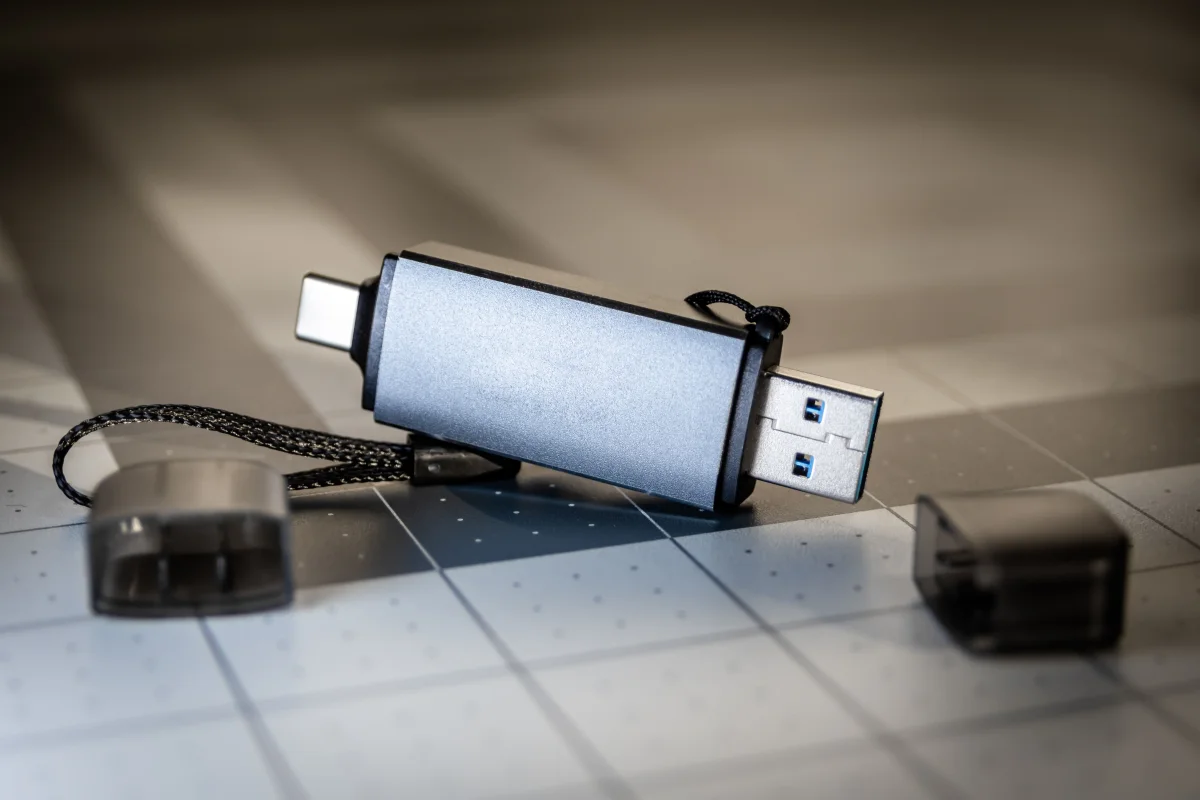
Assembling a Magnetic Core Memory USB Drive is a rewarding challenge that marries the past with the present. It invites us to question how we perceive progress and innovation. By revisiting and reimagining obsolete technologies, we gain a richer understanding of the foundations upon which today’s advancements are built.
The journey of creating a Magnetic Core Memory USB Drive is more than a technical endeavor; it’s a testament to the continuous cycle of learning and adaptation in technology. As we build on the shoulders of giants, each core module we integrate is a nod to the relentless curiosity and ingenuity that drive us forward. With each byte stored, we honor the legacy of those who paved the way, while inspiring future innovations.