Breaking Git intentionally might sound counterproductive, but it offers unique insights into its resilience and failure modes. By pushing Git to its limits, developers can better understand how to handle unexpected issues and improve collaboration strategies.
Chapter 01
The Art of Breaking Things
Understanding the necessity of pushing limits in software development.
Why Break Git?
Breaking things on purpose might seem like an odd strategy, yet it’s a powerful tool for learning. Git, a cornerstone of modern software development, is designed for robustness. However, testing its boundaries reveals its true capabilities and limitations. Consider the consequences of a corrupted repository. When you encounter such a scenario, how do you recover? What tools does Git provide? Exploring these questions through intentional breakage can lead to more robust practices.

Breaking Git intentionally might sound counterproductive, but it offers unique insights into its resilience and failure modes.
A senior developer
Common Failure Modes
When you push Git beyond its comfort zone, several failure modes can emerge:
- Merge Conflicts: Often arise during parallel development. While they are common, handling them efficiently is crucial.
- Detached HEAD State: Occurs when you’re no longer on a branch. This can be confusing without proper understanding.
- Corrupted Repositories: Less common but critical, requiring a well-thought-out recovery plan.
Understanding these scenarios can empower teams to tackle problems head-on, minimizing downtime and frustration.
Chapter 02
Experimenting with Git
Testing Git's boundaries through real-world experiments.
Setting Up the Experiment
To intentionally break Git, consider these steps:
Narrative flow
Scroll through the argument
01
Step 1: Induce a Merge Conflict
Create a situation where two branches have conflicting changes to the same file.
02
Step 2: Enter Detached HEAD
Checkout a specific commit, detaching from any branch context.
03
Step 3: Corrupt the Repository
Manually edit Git's internal files to simulate corruption.
These experiments might seem reckless, but they provide invaluable insights into Git’s internal mechanisms and prepare developers for unexpected scenarios.
Handling the Fallout
Once the experiment is underway, resolving the fallout is critical. Resolving a merge conflict involves using Git’s tools to merge changes manually. For a detached HEAD, you can reattach it by checking out a branch. As for corruption, Git’s reflog can be a lifesaver, allowing you to recover lost work.
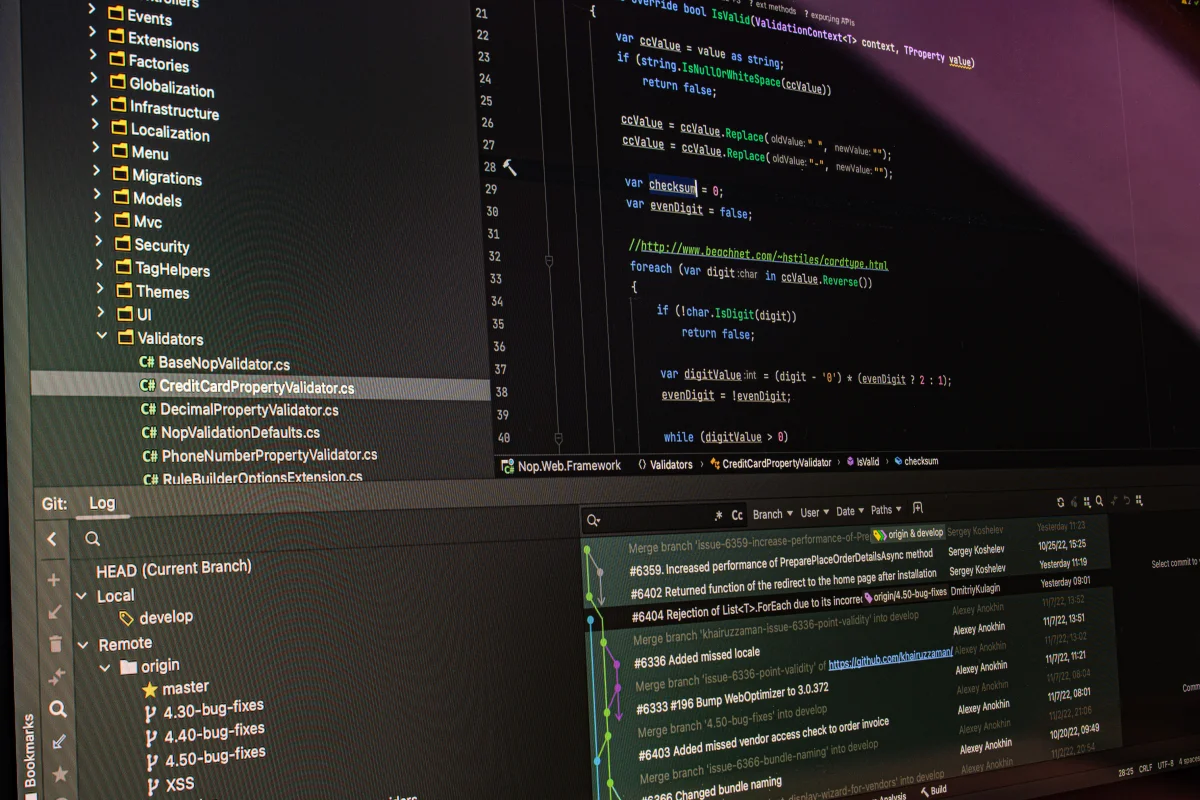
Visualizing Git's Breakdown


Chapter 03
Learning from Chaos
The benefits of controlled chaos in understanding Git.
Lessons Learned
Breaking Git isn’t just about chaos; it’s about learning. These experiments highlight the importance of robust backup and recovery strategies. Knowing how to resolve conflicts and recover from corruption can save hours of work and stress.
Practical Code Examples
Handling a merge conflict might involve commands like:
git merge feature-branch
# Resolve conflicts in your editor
git add .
git commit
For recovering a deleted branch:
git reflog
git checkout -b recovered-branch <commit-hash>
These practical examples underscore the necessity of understanding Git’s tools in depth.
In the end, deliberately breaking Git is about more than just chaos. It’s about gaining a deeper understanding of a tool that’s central to modern development workflows. By pushing its boundaries, developers are better prepared for real-world challenges, ensuring smoother collaboration and more resilient projects.