Tech Insight
HTTP vs. Headless: A Data Duel
Choosing the right scraping method can make or break your data extraction strategy.
In the ever-changing world of web scraping, two methods stand out: HTTP scraping and headless browsers. Each offers unique advantages and challenges, making the choice between them pivotal for any data-driven project. This article explores these methods, equipping you with the insights needed to make informed decisions.
Chapter 01
The Basics of HTTP Scraping
Understanding the core mechanics of HTTP scraping is crucial for effective data extraction.
The Mechanics of HTTP Scraping
HTTP scraping involves sending HTTP requests to a server and parsing the HTML response to extract data. It leverages the simplicity and speed of HTTP requests, making it an ideal choice for static websites.
const axios = require('axios');
const cheerio = require('cheerio');

async function fetchData(url) {
const { data } = await axios.get(url);
const $ = cheerio.load(data);
return $('title').text();
}

fetchData('https://example.com').then(console.log);
Advantages and Limitations
Advantages:
- Speed: HTTP requests are lightweight and fast.
- Simplicity: Easy to implement with libraries like Axios and Cheerio.
Limitations:
- Dynamic Content: Falls short on pages with JavaScript-rendered content.
- Complexity: Struggles with sites requiring user interactions.
In the ever-changing world of web scraping, two methods stand out: HTTP scraping and headless browsers.
A web data specialist
Chapter 02
Unveiling Headless Browsers
When HTTP scraping hits a wall, headless browsers step in to handle the challenge.
Enter the Headless Browser
A headless browser operates without a graphical interface, simulating a real user browsing experience. Tools like Puppeteer and Selenium can interact with web pages just as a human would, making them indispensable for complex tasks.
const puppeteer = require('puppeteer');

(async () => {
const browser = await puppeteer.launch();
const page = await browser.newPage();
await page.goto('https://example.com');
const title = await page.title();
console.log(title);
await browser.close();
})();
When Headless Browsers Shine
Scenarios:
- Dynamic Pages: Handles JavaScript-heavy content effortlessly.
- User Interactions: Can simulate clicks, form submissions, and more.
Challenges:
- Performance: Generally slower due to full page rendering.
- Resource Intensive: Consumes more memory and CPU resources.
Narrative flow
Scroll through the argument
01
Step 1: Analyze Your Target
Identify if the website is static or dynamic.
02
Step 2: Choose Your Tool
Select HTTP scraping for static pages; headless browsers for dynamic content.
03
Step 3: Implement and Iterate
Test your implementation and refine based on performance and accuracy.
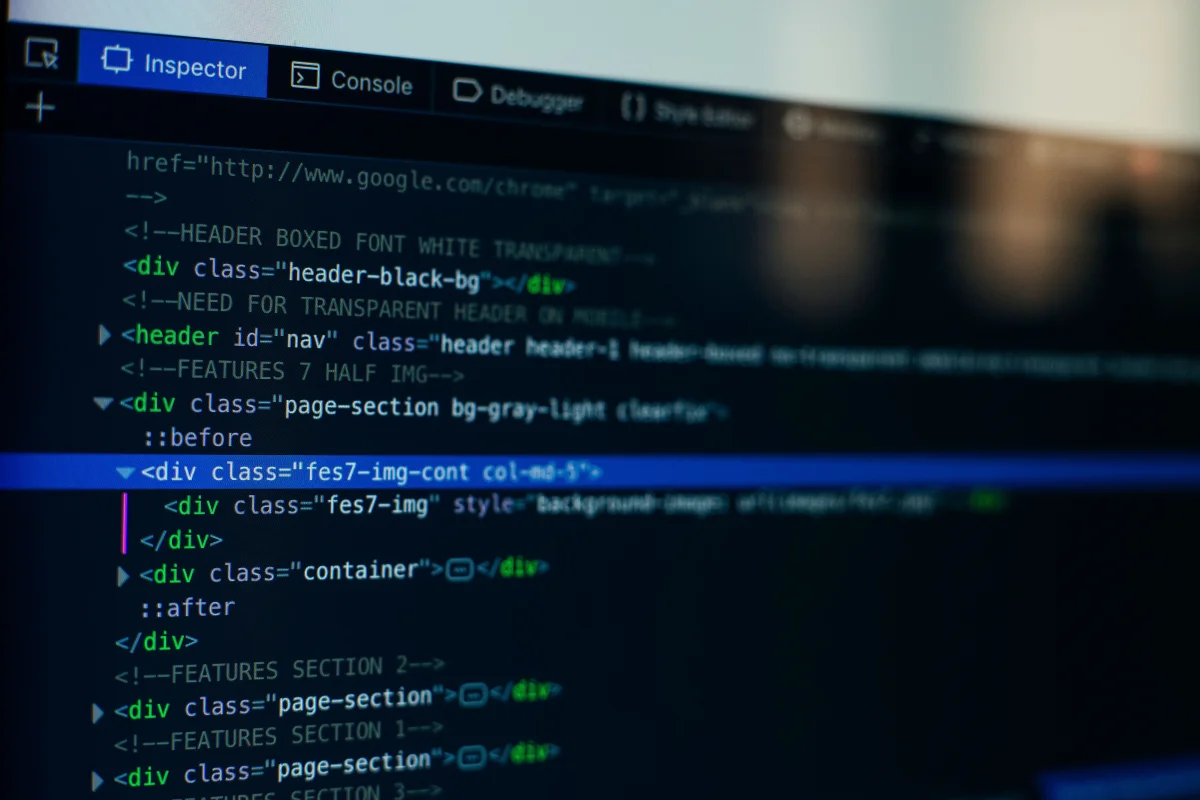
Visualizing Data Extraction


Chapter 03
Making the Right Choice
Selecting between HTTP scraping and headless browsers depends on specific needs and constraints.
Factors Influencing Your Decision
When deciding which method to employ, consider these aspects:
- Complexity of the Website: Simple static pages favor HTTP scraping.
- Resource Availability: Headless browsers demand more computational power.
- Data Requirements: If interaction or dynamic content is crucial, headless browsers are preferable.
The Future of Web Scraping
The landscape of web scraping is evolving with advancements in AI and machine learning. Both methods will continue to play significant roles, but staying updated with the latest tools and practices is essential for success.
In conclusion, both HTTP scraping and headless browsers offer unique advantages and challenges. The choice between them hinges on the specific needs of your project and the nature of the target website. By understanding the capabilities and limitations of each method, you can optimize your data extraction strategy effectively.