

Performance Metrics
Why Speed Matters
In the digital landscape, every second counts. PageSpeed Insights helps you optimize for those precious moments.
PageSpeed Insights offers more than just data—it’s a key to unlocking the hidden complexities of your website’s performance. As attention spans grow shorter, the speed at which your page loads can be the difference between engaging users and losing their interest. Picture a visitor who clicks eagerly on your link, only to be stalled by a sluggish loading. The frustration is clear, and the potential losses, significant.
User experience is at the core of web performance. A fast-loading site not only retains visitors but also leaves a strong, positive impression. As consumers, we expect immediate results, a demand that has shaped digital experiences. This is where PageSpeed Insights comes in, bridging the expectations of users with the realities faced by developers.
But why is speed so crucial? Beyond keeping users happy, website speed also affects search engine rankings. Google, the arbiter of online visibility, considers page speed in its algorithms. A faster website gains higher visibility, drawing more traffic and boosting potential conversions. With so much at stake, the solution is clear and accessible.
Sites that emphasize speed not only see improved metrics but also gain enhanced credibility. A fast website conveys professionalism and reliability, whereas a slow one may seem outdated, eroding trust and driving away potential customers.
Essentially, PageSpeed Insights serves as a guide for developers navigating the intricate world of performance optimization. It points out areas needing improvement, with insights that lead to significant results. The pathway to a quicker internet experience begins here.
Chapter 01
Understanding PageSpeed Insights
PageSpeed Insights is a tool designed to help you optimize your site’s performance. Let’s delve into how it works and why it’s indispensable.
Discovering PageSpeed Insights
PageSpeed Insights evaluates the speed and usability of your website to enhance its performance. By examining a range of metrics, it provides a comprehensive score that reflects your site’s overall capabilities. The tool uses real-world data, delivering insights that are both actionable and vital for optimization.
Key Metrics Analyzed by PageSpeed Insights:
- First Contentful Paint (FCP)
- Largest Contentful Paint (LCP)
- Cumulative Layout Shift (CLS)
- Total Blocking Time (TBT)
- Time to Interactive (TTI)
- Speed Index (SI)
Familiarity with these metrics is critical, as each influences how users perceive your site’s speed. For example, First Contentful Paint assesses how quickly the first visible content appears, setting the tone for user interaction.
How Speed Affects SEO
Speed is an essential factor, not a luxury. Search engines, especially Google, favor fast-loading websites. A slight delay of a few seconds can demote your website in search results, reducing its exposure to visitors. This is where PageSpeed Insights proves invaluable by providing a guide to improve search visibility.
By enhancing speed, you boost user experience and climb the SEO ladder simultaneously. It’s a harmonious cycle where speed and search rankings fuel each other, leading to ongoing improvements in visibility.
A Historical Look at Site Performance
The evolution of web performance has been swift and transformational. From the sluggish days of dial-up to today’s expectations for instant access, the performance standard has been continually raised. PageSpeed Insights captures this evolution, offering tools tailored to modern needs.

PageSpeed Insights is more than a tool; it's a gateway to understanding the hidden intricacies of your website's performance.
Chapter 02
Utilizing PageSpeed Insights
Arming yourself with the knowledge of PageSpeed Insights is just the beginning. Here's how to harness its full potential.
Narrative flow
Scroll through the argument
01
Step 1: Analyze
Start by entering your website's URL into PageSpeed Insights. It delivers a detailed breakdown of performance metrics for both mobile and desktop devices. This initial analysis lays the groundwork for targeted improvements.
02
Step 2: Interpret
Understanding the results is essential. Each metric provides insights into specific performance facets. Prioritize issues based on their impact on user experience and SEO. This involves a deep dive into the data presented.
03
Step 3: Optimize
Use the insights gained to make necessary adjustments, such as compressing images, minifying CSS and JavaScript, or employing browser caching. The aim is to reduce load times and boost overall performance.
Case Study: Enhancing First Contentful Paint
Take, for instance, a website struggling with a sluggish First Contentful Paint. By optimizing image sizes and refining coding practices, the time for the first piece of content to appear can be shortened significantly. This change has a direct impact on user perception and engagement.
The Importance of Mobile Optimization
As mobile usage grows, optimizing for mobile devices becomes critical. PageSpeed Insights gives a distinct score for mobile performance, highlighting its significance. Ensuring your site is mobile-friendly allows you to reach a broader audience, enhancing user experience and SEO.
Pitfalls to Steer Clear Of
During optimization, don’t fall into the trap of only focusing on desktop performance. Mobile users account for a large portion of web traffic, and overlooking them could mean lost opportunities. Also, over-optimizing can lead to diminishing returns, where the effort exceeds the benefits.
Visual Insights

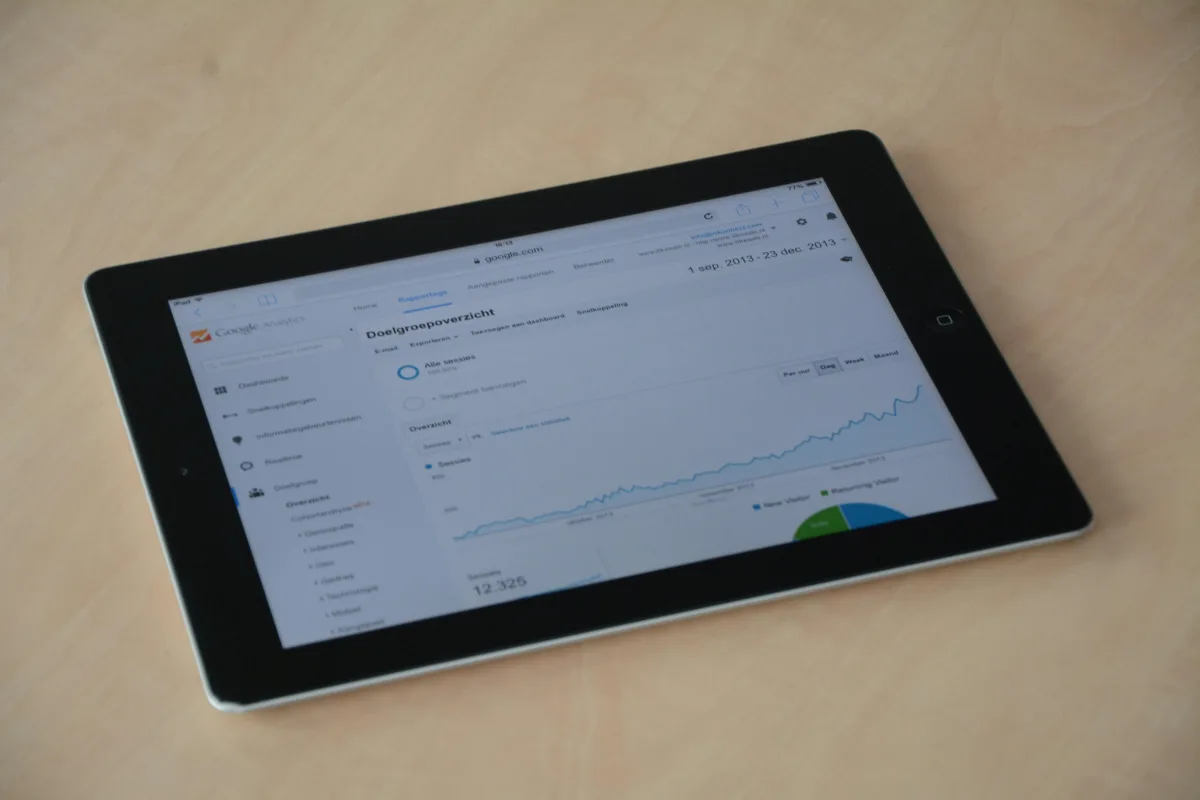

To fully capitalize on PageSpeed Insights, go beyond just numbers. Focus on creating an experience that resonates with users. Insights from this tool are a stepping stone to a faster, more engaging website.
As you proceed, keep in mind that speed is a moving target. Regularly review your site’s performance to remain competitive as standards and expectations change. The quest for speed is continuous, but the benefits make the effort worthwhile.

Chapter 03
Beyond Optimization: The Future of Speed
As technology evolves, so too does the landscape of web performance. Let's explore what lies ahead.
Envisioning the Future of PageSpeed Insights
Looking forward, PageSpeed Insights is poised to grow alongside emerging technologies and rising user expectations. As the digital space evolves, so will performance parameters, challenging developers to adapt and push forward.
- Integration with AI and machine learning
- Real-time performance monitoring
- Enhanced mobile-first indexing
- Expanded metrics for deeper insights
- Automated optimization suggestions
- Emphasis on user-centered design
Speed in Action: A Case Study
Take, for instance, a leading e-commerce site that used PageSpeed Insights to enhance its mobile platform. By focusing on reducing load times and improving user experience, the site experienced a noticeable increase in mobile visitors and conversions, showcasing the true potential of speed.
Best Practices for Ongoing Improvement
Maintaining peak performance requires regular checks with PageSpeed Insights. Consistently updating and refining your site helps it meet current standards and user expectations. Embrace a proactive approach to make speed a core aspect of your digital strategy.
Chapter 04
Embracing the Speed Revolution
Speed is a journey, not a destination. Here’s how to sustain momentum in the quest for performance excellence.
The Long-term Effects of Speed Optimization
Speed optimization has wide-reaching effects, enhancing both technical metrics and brand perception while building user loyalty. Companies that prioritize speed are likely to excel in the competitive digital market.
Developing Effective Speed Strategies
To create successful speed strategies, start by setting clear performance goals and monitor progress consistently. Adjust your approach as necessary. Collaboration among developers, designers, and content creators is key to achieving cohesive optimization.
Balancing Speed with Other Needs
While speed is vital, it must be balanced with elements like functionality and aesthetics. Excessive optimization might lead to sacrifices in these areas, so striking a balance that serves both performance and user experience is essential.
Ultimately, PageSpeed Insights empowers you to take charge of your site’s performance. By understanding and applying its insights, you create a pathway to a faster, more dynamic online presence. Speed transcends metrics; it’s a commitment to excellence. In the digital age, every second matters. Make them count.