Lighting Innovation
Revolutionize Your Home Lighting with WLED
Explore the capabilities and creative potential of WLED for smart, customizable LED lighting solutions.
WLED is not just another tool in the vast array of home automation technologies; it’s a revolution in how we perceive and create light in our living spaces. Imagine walking into a room that adapts its lighting to your mood or the time of day, all thanks to a simple, yet powerful, DIY solution. That’s the promise of WLED.
Chapter 01
Understanding WLED
Dive into the essence of WLED, exploring its capabilities and why it stands out in the DIY lighting world.
The Core of WLED
WLED is an open-source project that allows users to control LED strips with remarkable ease and flexibility. Originally developed by Christian Schwinne, it has grown to support a vast community of DIY enthusiasts and tinkerers who are eager to push the boundaries of home lighting.
- Open-source: Access and modify the source code freely.
- Versatile: Supports numerous LED types.
- User-friendly: Intuitive interface and setup.
- Community-driven: Constant updates and improvements.
- Cost-effective: Affordable components and DIY nature.
- Creative capabilities: Dozens of lighting effects and animations.
The Rise of DIY Lighting
The DIY movement has seen a significant rise in recent years, with more individuals seeking hands-on projects that allow for personalization and innovation. WLED fits perfectly into this trend, offering a platform for users to explore lighting solutions that reflect personal style and creativity.
Historical Context of LED Control
Controlling LEDs was once a complex task, reserved for experts with knowledge of intricate electronics and programming. The advent of platforms like WLED democratized this process, allowing anyone with basic technical skills to engage in sophisticated lighting projects.
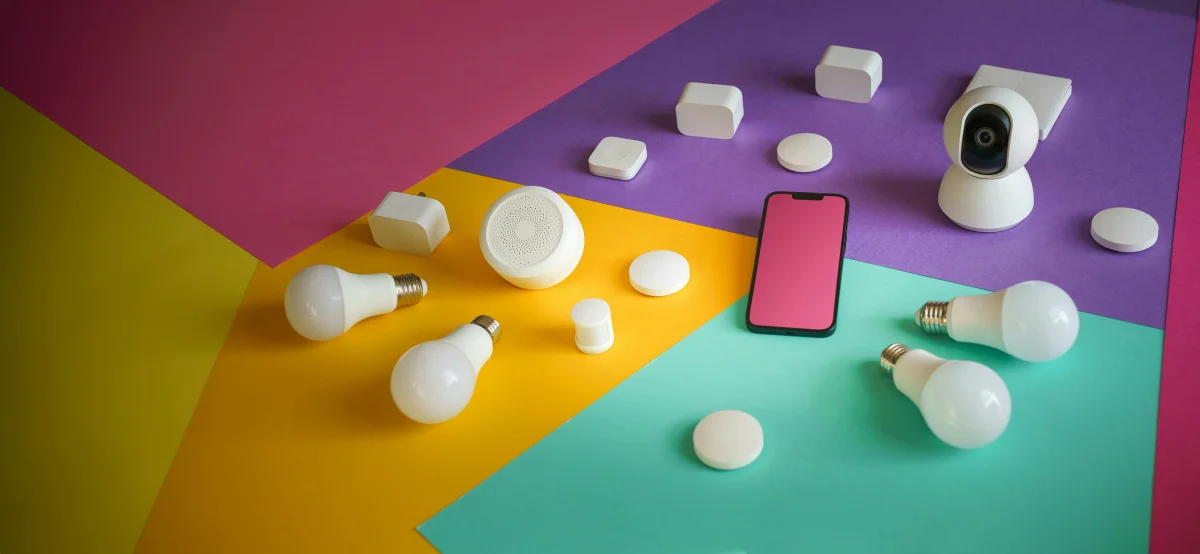
WLED is not just another tool in the vast array of home automation technologies; it's a revolution in how we perceive and create light in our living spaces.
Chapter 02
Setting Up WLED
Learn the practical steps to integrate WLED into your home lighting system.
Narrative flow
Scroll through the argument
01
Gathering Components
Start with acquiring the necessary components. You'll need a microcontroller like the ESP8266, LED strips, a power supply, and connecting cables.
02
Flashing WLED
Download the WLED firmware and flash it onto the microcontroller. This process is straightforward and well-documented within the community.
03
Connecting LEDs
Wire the LED strips to the microcontroller following the specified guidelines. Ensure secure connections to prevent any interruptions.
04
Configuring Settings
Access the WLED web interface to configure settings such as network connection, LED type, and desired effects.
05
Testing and Tweaking
Power on the system and test different configurations. Tweak settings to achieve optimal lighting results tailored to your preferences.
Detailed Example: Flashing the Firmware
Flashing the WLED firmware is essential to get your microcontroller ready. Follow these steps to ensure a successful process:
- Download the firmware: Visit the official WLED website and download the latest version.
- Install flashing software: Tools like
ESPHome-Flashermake the process seamless. - Connect your microcontroller: Use a USB cable to link it to your computer.
- Initiate flashing: Use the software to flash the firmware, following on-screen instructions.
const firmwareUrl = "https://wled.me/firmware";
const flashTool = new ESPFlasher();
flashTool.flash(firmwareUrl, "/dev/ttyUSB0");
Common Pitfalls in Setup
Setting up WLED can be straightforward, but certain pitfalls can disrupt your experience. Ensure that your power supply can handle the LED strip’s requirements and that all connections are firm to avoid flickering or unresponsiveness.
WLED Setup Gallery
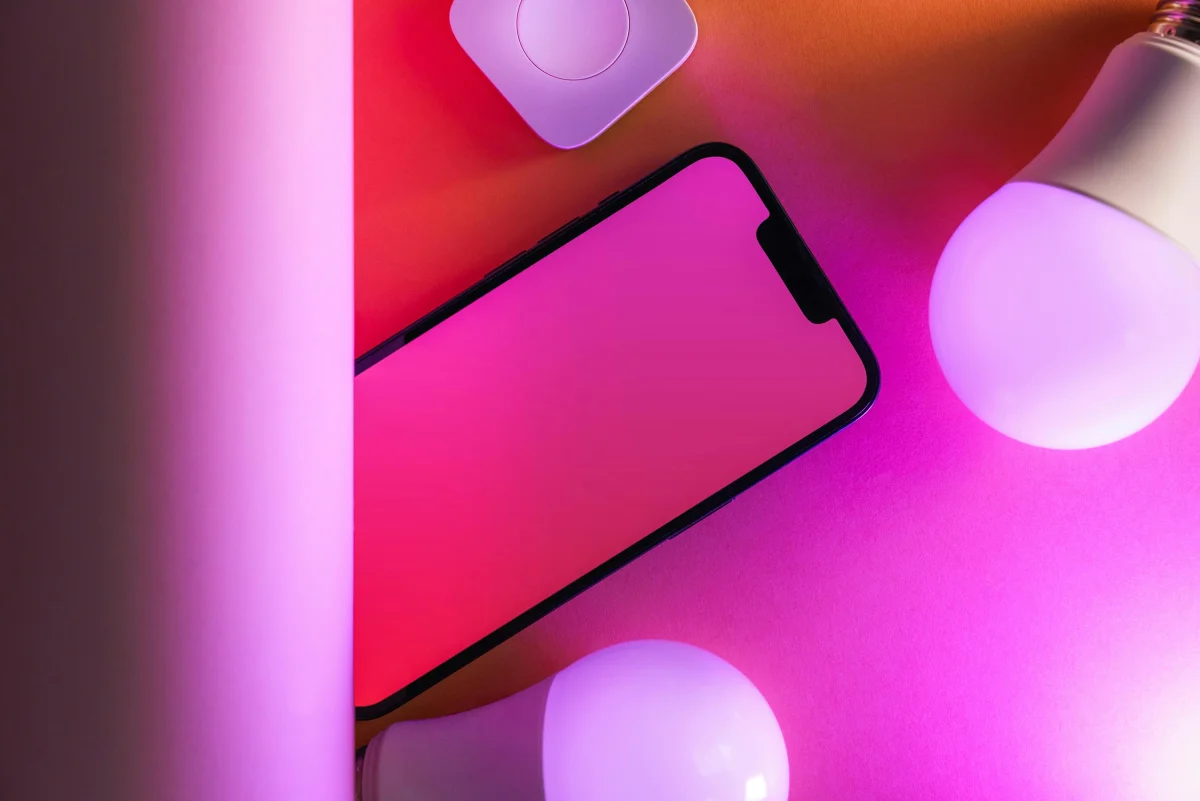
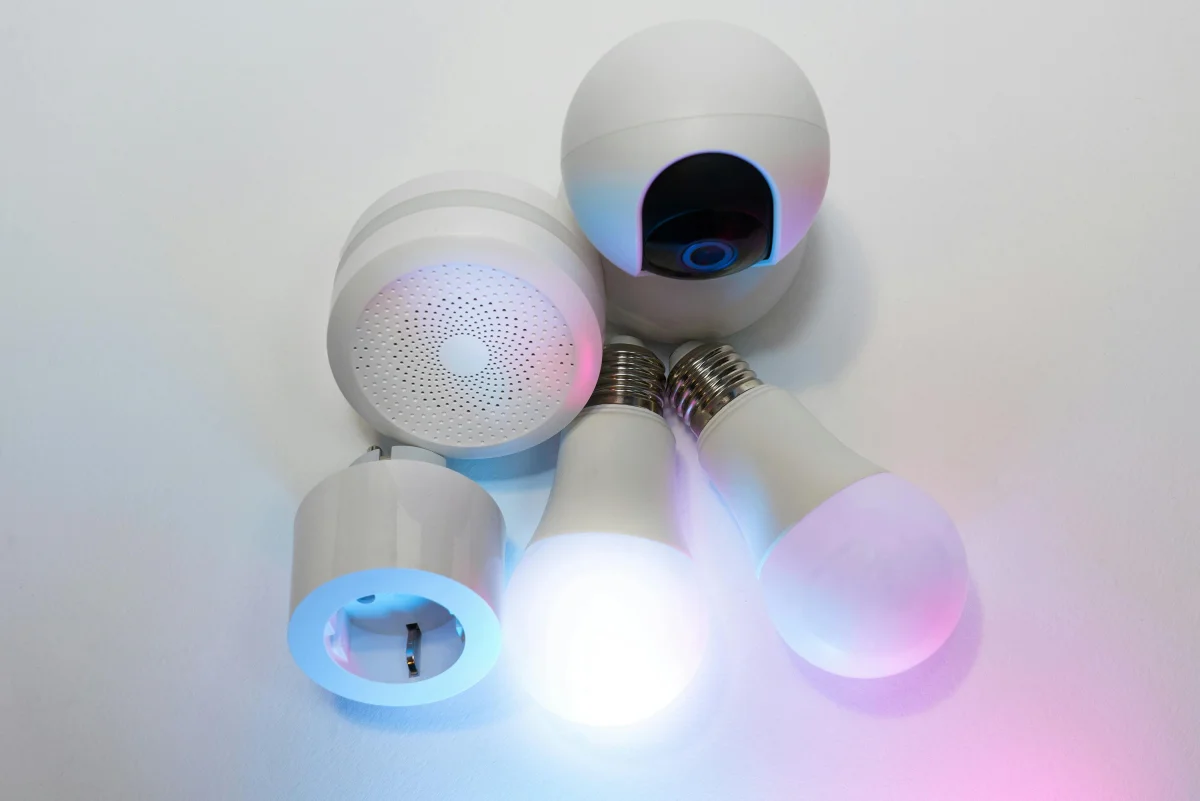
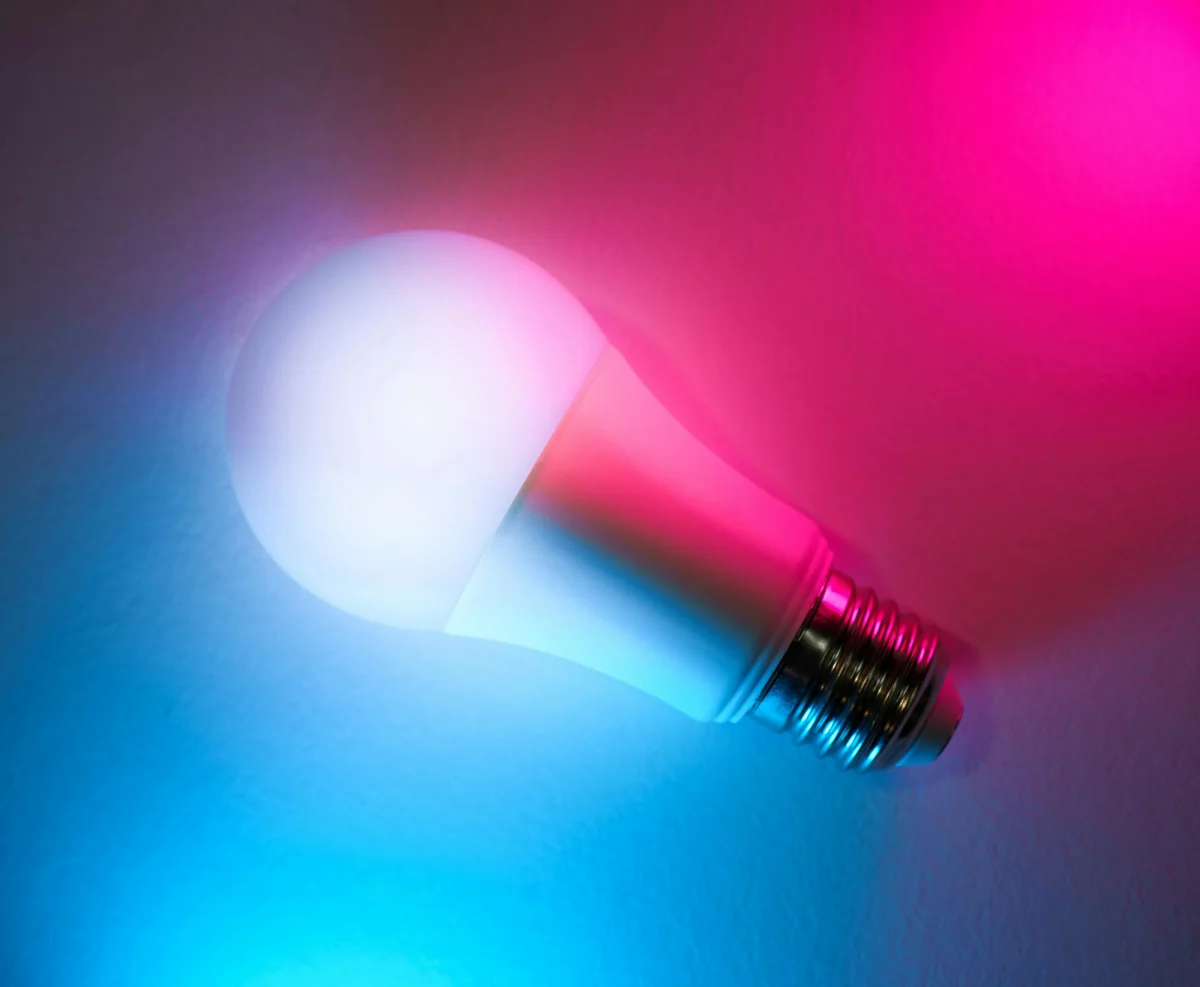
WLED’s setup process is a testament to the power of community-driven innovation. By simplifying the technical hurdles, it empowers more users to explore and embrace smart lighting. The result is a vibrant community that continually shares insights and improvements.
Chapter 03
Advanced WLED Features
Explore the advanced functionalities that make WLED a powerful tool for creative lighting.
Exploring Advanced Features
WLED offers a range of advanced features that cater to tech enthusiasts looking to push the boundaries of what’s possible with home lighting. These features not only enhance functionality but also open up new avenues for creativity.
- Custom effects: Create and upload your custom lighting effects.
- API integration: Control WLED through various smart home systems.
- Real-time sound-reactive modes: Sync lights to music or ambient sounds.
- Multiple instance management: Control multiple WLED setups from a single interface.
- Dynamic scenes: Program timed lighting changes throughout the day.
Case Study: Synchronizing with Home Automation
Consider a home that uses Home Assistant for automation. By integrating WLED, the homeowner can create dynamic scenes that adjust lighting based on time, weather, or even occupancy. This seamless integration demonstrates the power of WLED in a connected home environment.
Best Practices for Customization
When customizing WLED, it’s crucial to maintain a balance between creativity and functionality. Test new effects thoroughly before deploying them widely, and always keep a backup of your original configurations.
Originally developed by Christian Schwinne, it has grown to support a vast community of DIY enthusiasts and tinkerers who are eager to push the boundaries of home lighting.
Chapter 04
The Future of WLED and Smart Lighting
Consider the evolving landscape of smart lighting and the role WLED will play in that future.
The Road Ahead for WLED
As technology continues to advance, WLED is poised to remain at the forefront of smart lighting innovation. Its open-source nature ensures that it will evolve with the needs of its users, continually adapting and expanding its capabilities.
Practical Implementation: Next Steps
For those looking to delve deeper into WLED, consider contributing to the project or exploring advanced integrations with IoT devices. The community is always eager for new ideas and improvements.
Trade-offs and Considerations
While WLED offers immense flexibility, it’s essential to consider the complexity it introduces. Ensure that your network infrastructure can support multiple smart devices and that security measures are in place to protect your home network.
The allure of WLED lies in its ability to make lighting an expressive, dynamic part of your home. By embracing WLED, you not only enhance your living space but also join a vibrant community of innovators reimagining the possibilities of light. Let WLED be the spark that lights up your world.