In the realm of embedded systems, the ESP32 stands as a formidable contender for IoT applications. Its ability to handle Bluetooth communication makes it a prime candidate for developing a printer driver. This guide unfolds in two acts, detailing the journey from conception to execution.
Chapter 01
Laying the Foundation
Understanding the essentials of Bluetooth communication with ESP32.
The Role of Bluetooth in ESP32
Bluetooth technology has revolutionized how devices interact wirelessly. For the ESP32, leveraging Bluetooth means tapping into a wide range of applications, including seamless data transmission to printers.
Establishing Connections
To communicate with a Bluetooth printer, the ESP32 utilizes the Bluetooth Serial Port Profile (SPP). This protocol facilitates data exchange, allowing the printer to receive commands and data wirelessly.
#include "BluetoothSerial.h"
BluetoothSerial SerialBT;
void setup() {
Serial.begin(115200);
SerialBT.begin("ESP32_Printer"); // Bluetooth device name
Serial.println("The device started, now you can pair it with Bluetooth!");
}
void loop() {
if (Serial.available()) {
  SerialBT.write(Serial.read());
}
if (SerialBT.available()) {
  Serial.write(SerialBT.read());
}
}
Handling Data Communication
A robust driver must manage data flow efficiently. This involves error handling and ensuring compatibility across different printer models. The complexity arises not just from writing code, but understanding the nuances of the Bluetooth protocol.
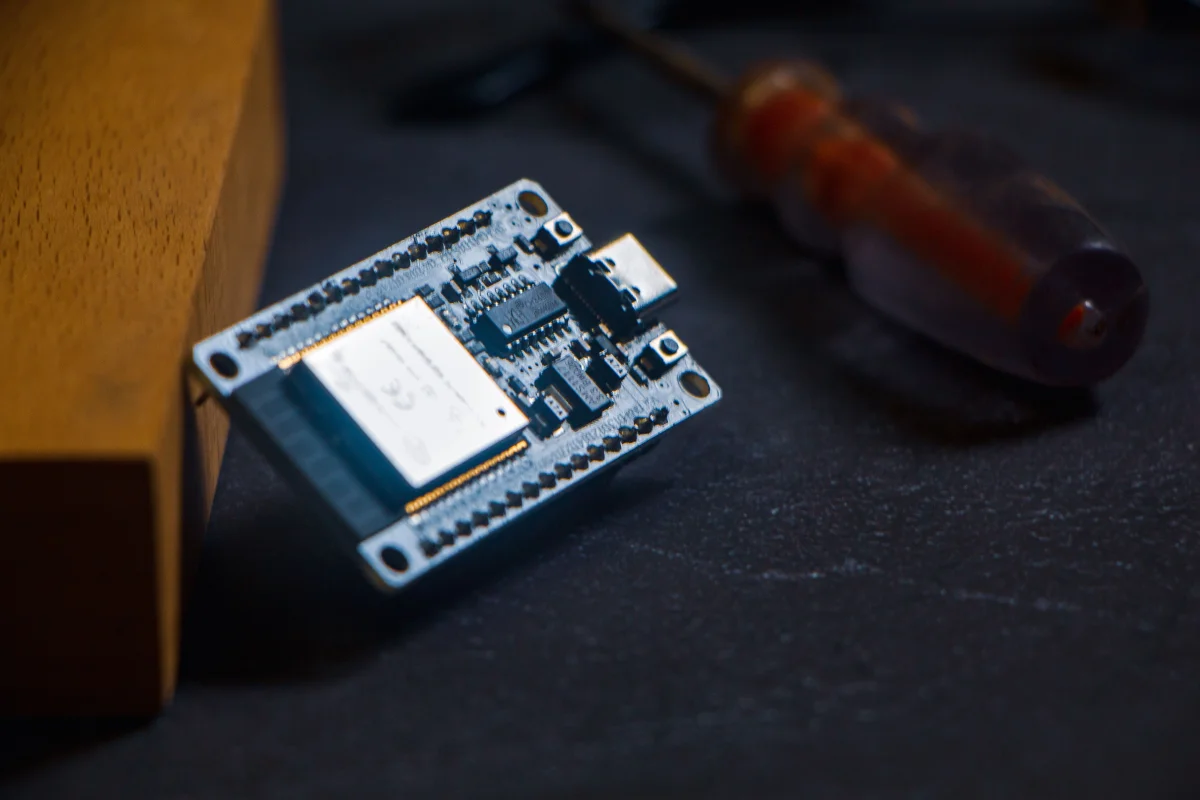
In the realm of embedded systems, the ESP32 stands as a formidable contender for IoT applications.
A Bluetooth System Architect
Narrative flow
Scroll through the argument
01
Step 1: Establish Connection
Initiate Bluetooth pairing and ensure stable connectivity.
02
Step 2: Data Transmission
Use SPP to send print commands and data to the printer.
03
Step 3: Error Handling
Implement robust error detection and recovery mechanisms.
Chapter 02
Implementing the Driver
From code to execution, developing the driver is a blend of hardware and software expertise.
Coding the Driver
Once the connection framework is in place, the next step is writing the driver itself. This involves creating a series of commands that the printer can understand and execute.
Writing Commands
Each printer model interprets commands differently. Therefore, the driver must be adaptable, sending specific instructions based on the printer’s specifications.
void sendPrintCommand(const char* command) {
SerialBT.write(command);
SerialBT.write('
'); // Ensure the command is properly terminated
}
Debugging and Testing
Debugging is a critical phase in driver development. Given the constraints of embedded systems, efficient debugging strategies are essential. Tools like serial monitors and Bluetooth sniffers become invaluable in identifying and resolving issues.
Driver Development Process

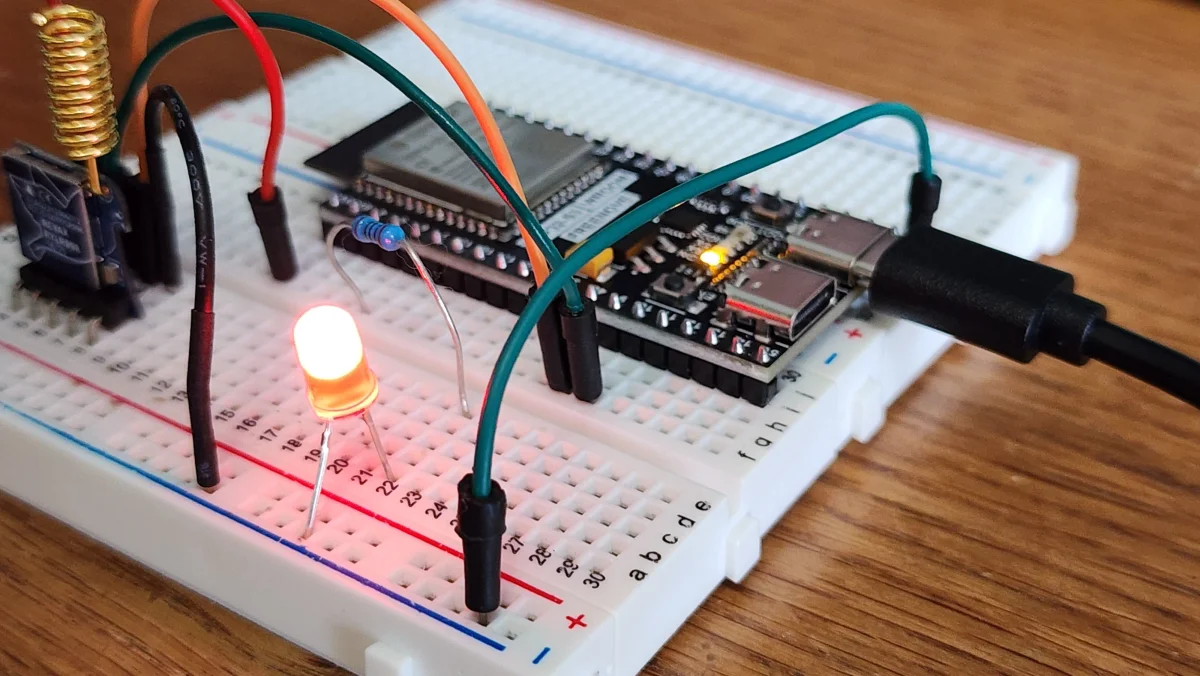
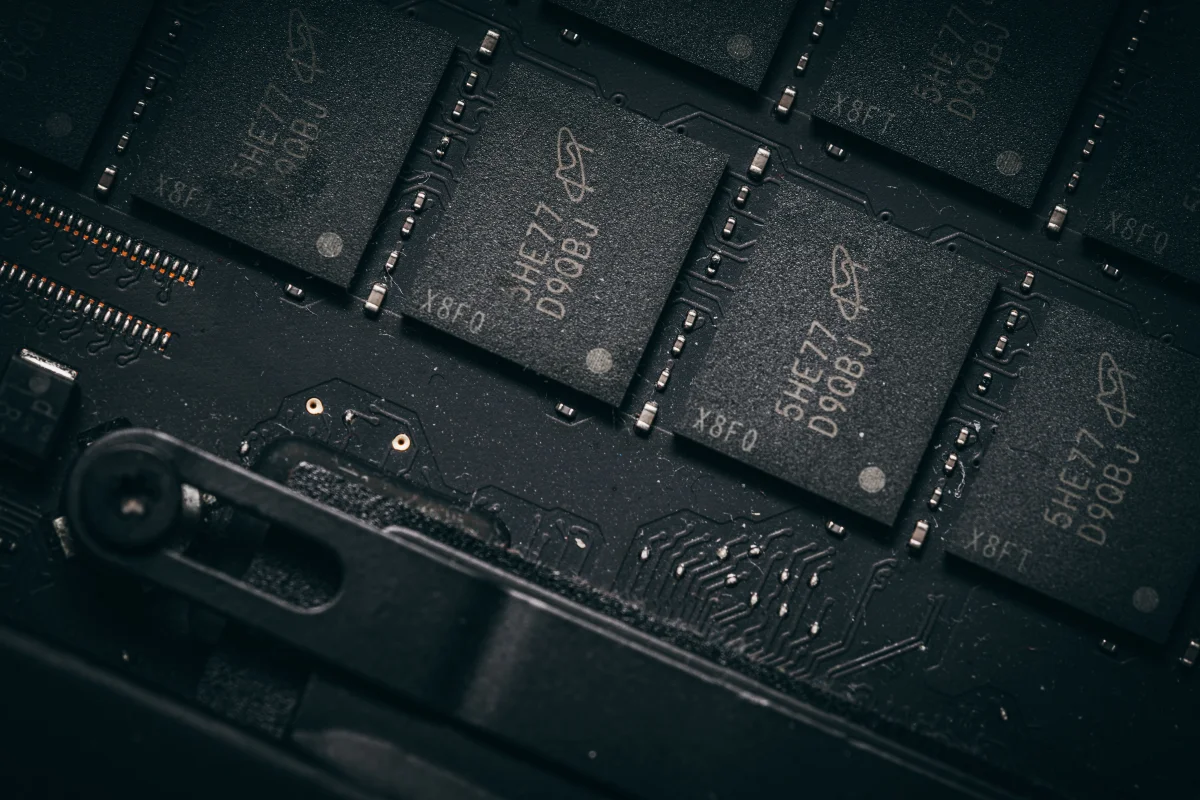
The journey of writing an ESP32 Bluetooth printer driver encapsulates the challenges and triumphs of embedded systems engineering. Through meticulous planning and execution, the driver not only communicates but does so efficiently, setting the stage for future IoT innovations.