Data in CSV files often arrives messy and inconsistent, challenging analysts to transform it into a usable format. Python, with its robust libraries, offers an efficient toolkit to clean and structure these chaotic exports.
Chapter 01
Understanding the Mess
Before tackling the problem, let's identify the common issues found in messy CSV exports.
Common CSV Issues
CSV files, while simple, often contain inconsistencies that complicate data processing. These include:
- Inconsistent Data Formats: Dates, numbers, and text may appear in varying formats.
- Missing Values: Gaps in data can lead to inaccurate analysis if not addressed.
- Redundant Columns: Extra data fields may clutter the dataset.
Python, with its robust libraries, offers an efficient toolkit to clean and structure these chaotic exports.
A Data Specialist
Data Cleaning Essentials
Cleaning a CSV file involves several steps, including normalization and removal of redundancies. Normalization ensures uniformity, while removing duplicates streamlines the dataset.
import pandas as pd

# Load the CSV file
df = pd.read_csv('messy_data.csv')

# Drop redundant columns
df = df.drop(columns=['Unnecessary_Column'])

# Fill missing values
df.fillna(method='ffill', inplace=True)
Chapter 02
Python to the Rescue
Harnessing Python's capabilities to automate and enhance the CSV cleaning process.
Getting Started with Pandas
Pandas is a powerful Python library that simplifies data manipulation and analysis. It provides tools for reading, cleaning, and transforming data efficiently.
Automating the Process
Automating CSV cleaning not only saves time but also reduces the risk of human error. By scripting repetitive tasks, we achieve consistency across datasets.
def clean_csv(file_path):
  df = pd.read_csv(file_path)
  df.dropna(inplace=True)
  df['Date'] = pd.to_datetime(df['Date'], errors='coerce')
  return df
Narrative flow
Scroll through the argument
01
Step 1: Load and Inspect
Begin by loading your CSV file into a DataFrame and inspecting the first few rows to understand its structure.
02
Step 2: Clean and Transform
Apply Pandas functions to clean the data, handling missing values and normalizing formats.
03
Step 3: Save Your Work
Once cleaned, save the transformed data back to a CSV file for further analysis.
Chapter 03
Visualizing the Transformation
A glance at the results of our cleaning efforts through visual representation.
Transformation Showcase

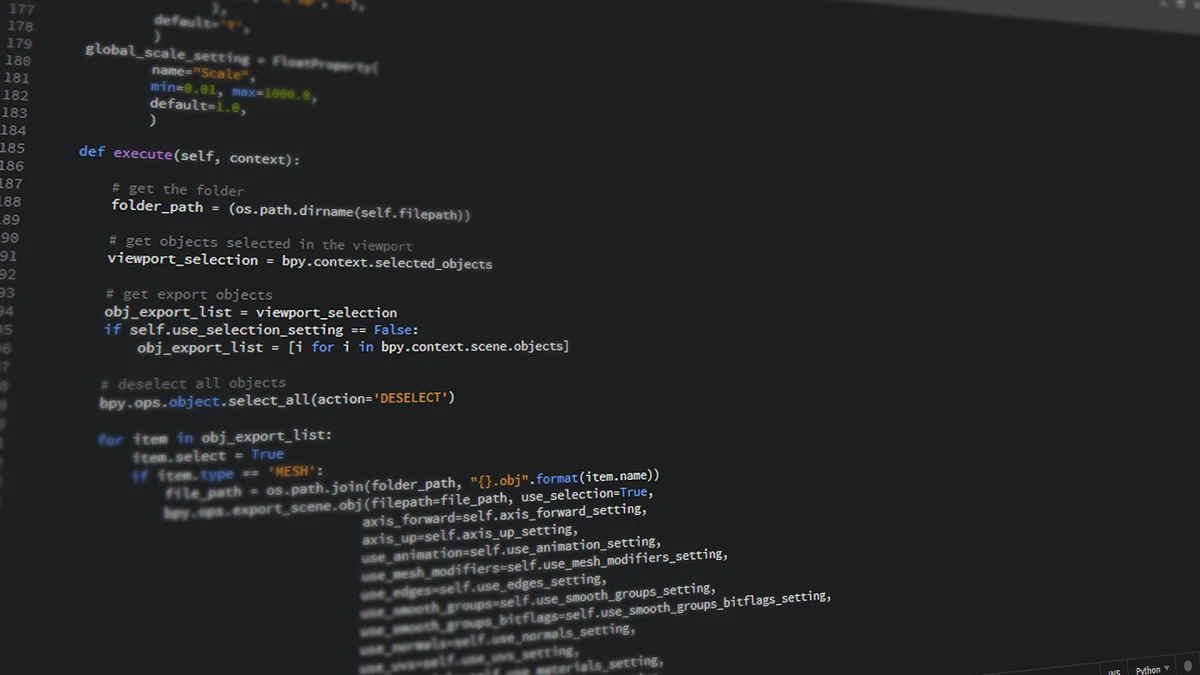

Python’s capabilities in handling and transforming data make it an invaluable tool for anyone dealing with large CSV exports. By automating the cleaning process, you not only enhance data accuracy but also ensure consistency, paving the way for more reliable analysis.