
Data Handling Guide
Master JSON with Confidence
Practical strategies and techniques for robust data management.
JSON (JavaScript Object Notation) has cemented its place as a fundamental format for data interchange. Despite its simplicity, mastering JSON involves understanding its nuances to ensure robust data handling. In practice, well-structured JSON is key to efficient data parsing and manipulation.
Chapter 01
Understanding JSON Structure
A deep dive into the essential components and organization of JSON data.
The Basics of JSON
JSON revolves around key-value pairs and arrays. Its structure is straightforward, yet powerful enough to represent complex data. Each piece of data is accessible through a unique key, and values can include strings, numbers, arrays, objects, or literals like true, false, and null.

JSON (JavaScript Object Notation) has cemented its place as a fundamental format for data interchange.
Validating JSON Data
One of the most critical aspects of working with JSON is ensuring data integrity. JSON Schema provides a robust way to validate the structure of JSON documents. By defining expected data patterns, JSON Schema ensures that incoming data adheres to a required format, which is crucial for preventing errors in data processing.
{
"$schema": "http://json-schema.org/draft-07/schema#",
"type": "object",
"properties": {
  "name": { "type": "string" },
  "age": { "type": "integer" },
  "email": { "type": "string", "format": "email" }
},
"required": ["name", "age"]
}
Chapter 02
Advanced JSON Techniques
Explore powerful methods to query and manipulate JSON data with ease.
Querying JSON Efficiently
JSONPath is a querying language that allows for advanced retrieval of data from JSON structures. It operates similarly to XPath for XML, enabling developers to extract and filter data efficiently using expressions.
const jsonData = [{ "name": "Alex", "age": 30 }, { "name": "Chris", "age": 25 }];
const result = jsonPath.query(jsonData, '$..name'); // ["Alex", "Chris"]
Transforming JSON with JavaScript
JavaScript’s native support for JSON makes it a powerful tool for transforming data. Using functions like map and filter, developers can manipulate JSON data seamlessly.
const users = [{ "name": "Alex", "age": 30 }, { "name": "Chris", "age": 25 }];
const adults = users.filter(user => user.age >= 18);
console.log(adults); // [{ "name": "Alex", "age": 30 }, { "name": "Chris", "age": 25 }]
Narrative flow
Scroll through the argument
01
Step 1: Parse JSON
Use `JSON.parse()` to convert JSON text into a JavaScript object.
02
Step 2: Manipulate Data
Apply array methods like `map` and `filter` for transformation.
03
Step 3: Stringify JSON
Convert your data back to JSON text using `JSON.stringify()`.
Visualizing JSON Data

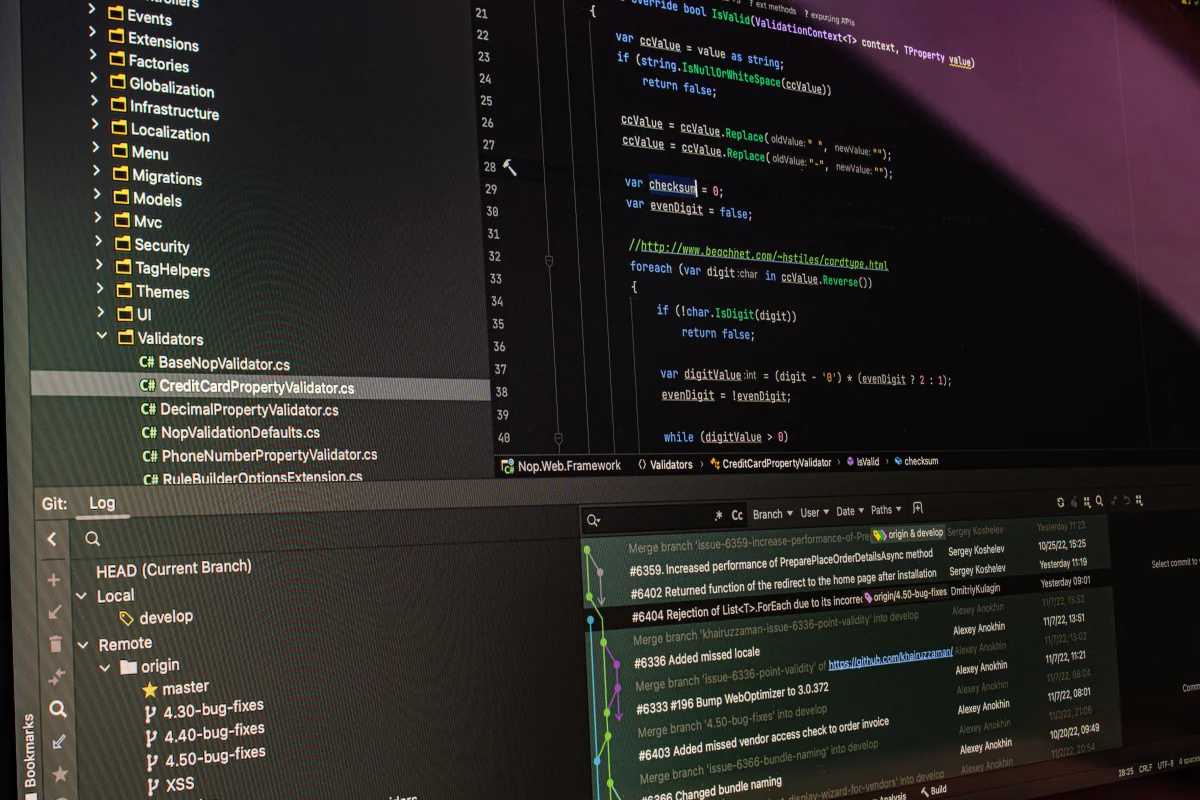

The versatility of JSON continues to empower developers in creating dynamic, data-driven applications. By mastering JSON, along with its validation and querying techniques, you can ensure that your applications handle data confidently and efficiently.
Whether you’re building APIs or handling complex datasets, JSON’s simplicity paired with powerful tools like JSON Schema and JSONPath can significantly streamline your data handling processes. By incorporating these strategies, you can elevate your data management skills and ensure that your applications are both resilient and efficient.