The allure of bouncy objects in physics simulations is undeniable. They add a layer of realism and fun, capturing the chaotic beauty of real-world physics. But what happens when bouncy objects become too bouncy, disrupting the flow of your simulation? Today, we explore the art of controlling bounce in physics simulations — a crucial skill for game developers and 3D modelers alike.
Chapter 01
Understanding Bounciness
Dive into the mechanics of bounce and how it affects physics simulations.
The Physics of Bounce
At the heart of bounciness lies the restitution coefficient, a value that dictates how much energy is conserved during a collision. A restitution of 1.0 means a perfectly elastic collision with no energy loss, while 0.0 results in no bounce at all.
To control bounce in simulations, consider these factors:
- Material properties: Adjusting the restitution value changes how surfaces interact.
- Damping: Introduces energy loss over time, reducing bounce magnitude.
- Collision detection: Accurate collision handling ensures realistic interactions.
- Time steps: Smaller steps can improve simulation accuracy but increase computation.
Restitution and Damping
The interplay between restitution and damping is pivotal. While restitution controls the initial bounce, damping affects how quickly the motion settles. In a typical simulation, increasing damping by 30% can significantly reduce unwanted bounciness.
Collision Detection
Precision in collision detection is essential for realistic bounciness. Algorithms must be optimized to detect and respond to collisions within a few milliseconds, ensuring that objects interact as expected.
At the heart of bounciness lies the restitution coefficient, a value that dictates how much energy is conserved during a collision.
Chapter 02
Practical Techniques
Learn the practical steps to manage bounciness in your simulations effectively.
Narrative flow
Scroll through the argument
01
Step 1: Adjust Restitution
Modify the restitution coefficient of materials to control initial bounce. A lower value reduces bounciness.
02
Step 2: Implement Damping
Introduce damping forces to reduce the energy of moving objects over time, simulating real-world friction.
03
Step 3: Enhance Collision Detection
Utilize advanced algorithms to improve collision detection accuracy, ensuring realistic interactions.
Adjusting Restitution
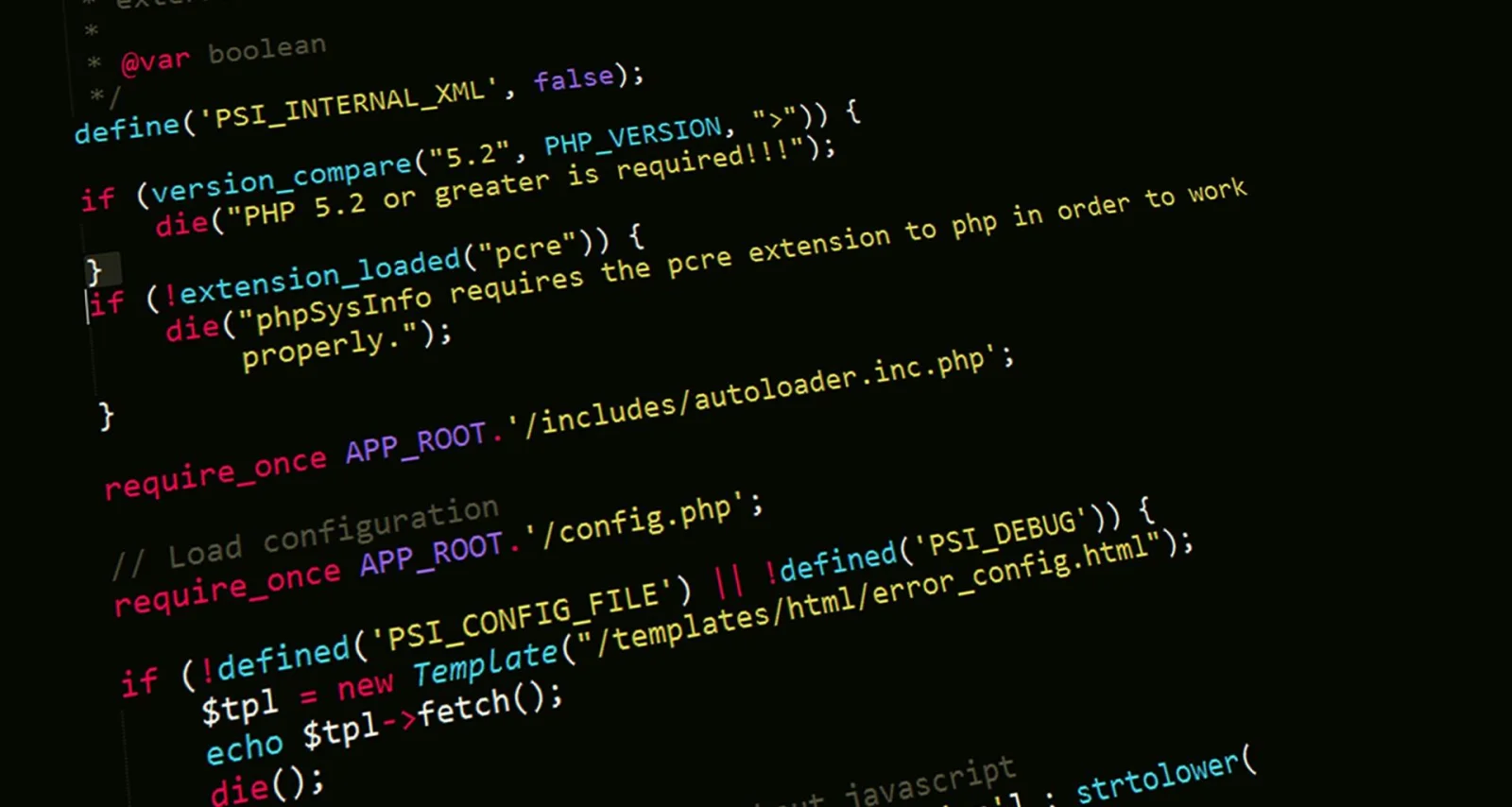
In practical terms, adjusting restitution involves setting values specific to the materials involved. For instance, rubber might have a restitution of 0.8, whereas steel could be around 0.3. Here’s a simple example of setting restitution in a JavaScript physics engine:
const material = new Material({
restitution: 0.5
});
world.addMaterial(material);
Enhancing Collision Algorithms
Developers can improve collision detection through algorithms like the Gilbert-Johnson-Keerthi (GJK) or Minkowski Portal Refinement (MPR). These algorithms ensure minimal overlap and accurate responses, crucial for simulations where precision is paramount.
Common Pitfalls
Avoiding excessive bounce often involves common pitfalls such as neglecting environment factors. Friction, air resistance, and surface texture all play roles in how objects bounce. Neglecting these can lead to unrealistic simulations.
Bounciness in Action



Achieving the perfect bounce in your simulation is a delicate balance of physics parameters and computational techniques. By mastering restitution, damping, and collision detection, you can create realistic and engaging simulations. Remember, the goal is not just to simulate reality, but to control it with precision.
In the end, the art of removing unwanted bounce lies in understanding the physics and applying it with skill. Whether you’re simulating a rubber ball or a steel beam, the principles remain the same. With these techniques, you’re equipped to tackle any bouncy challenge. Embrace the bounce; control the simulation.