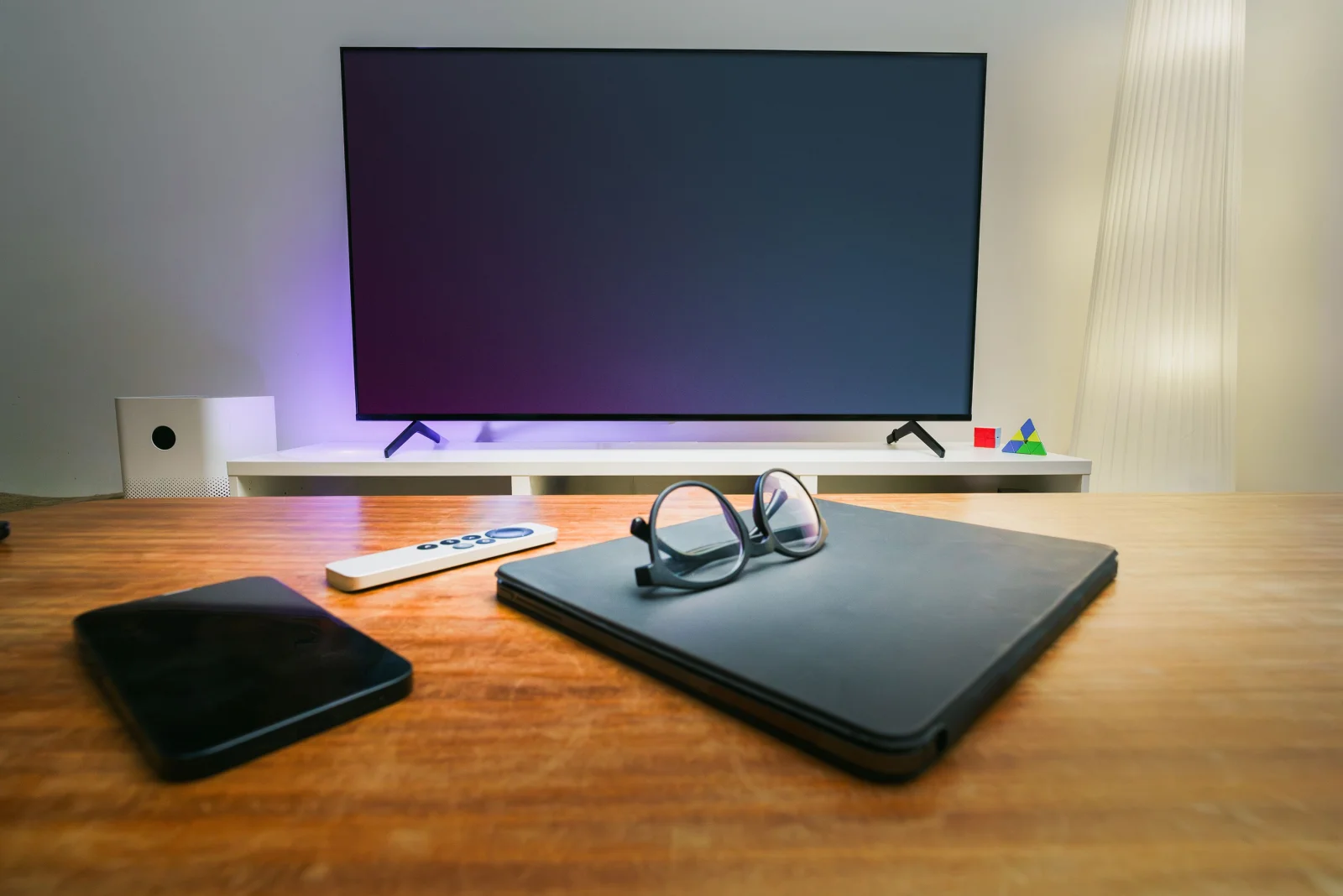
Imagine transforming your living room into a productivity powerhouse with just a few tweaks to your existing smart TV. As technology advances, the lines between different devices blur, offering unprecedented versatility. Your smart TV, traditionally a medium for entertainment, can now serve as a fully functional computer, opening doors to productivity, gaming, and more.
Chapter 01
Setting the Stage
Understanding the foundational elements and necessary tools for your smart TV transformation.
The Basics of Transformation
Turning your smart TV into a computer is simpler than it sounds. You start with the basics: a reliable internet connection, a Bluetooth keyboard, and a mouse. These peripherals are essential to navigating and interacting with your new setup. But why stop there? You can expand storage through cloud services or external drives, enhancing the capabilities of your TV.
- Connectivity Options: Ensure your smart TV is connected to Wi-Fi or Ethernet for seamless operation.
- Peripheral Compatibility: Use Bluetooth or USB adapters to connect keyboards and mice.
- Resolution and Display Settings: Adjust display settings for optimal clarity when using productivity applications.
- Operating Systems: Some smart TVs support basic operating systems or app installations that mimic computer interfaces.
- Power Management: Consider the energy consumption of prolonged use and manage settings accordingly.
- Data Security: Implement security measures, such as VPNs, to protect your data.
The Role of Cloud Services
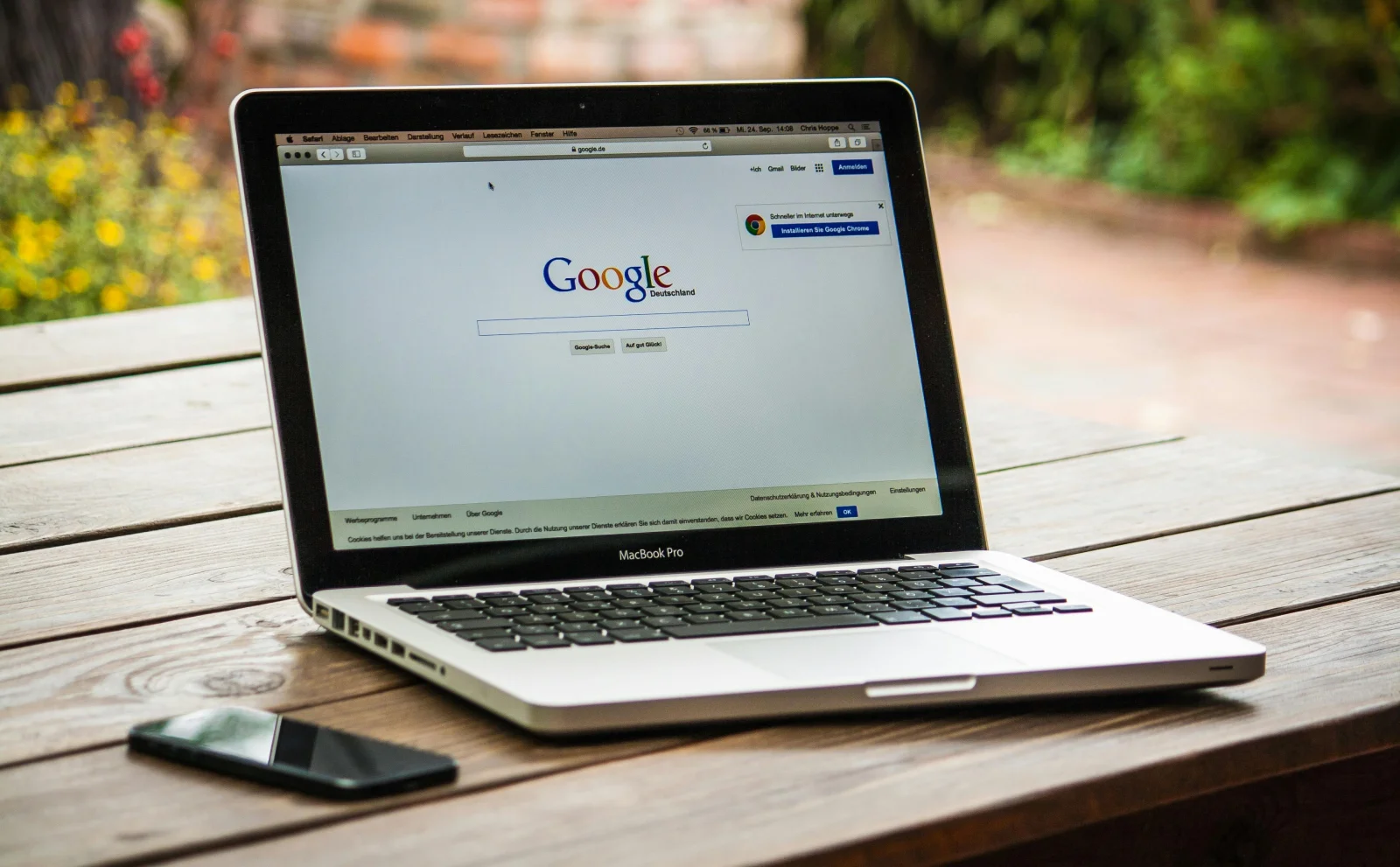
Cloud computing plays a vital role in this transformation. By leveraging cloud storage, you can overcome the inherent storage limitations of smart TVs. Services like Google Drive and Dropbox provide ample space for documents and media.
Historical Context: The Evolution of Home Tech
The concept of using a TV as a computer isn’t new. In the early 2000s, media centers attempted similar feats, but only now do we have the technology to make it seamless and affordable.
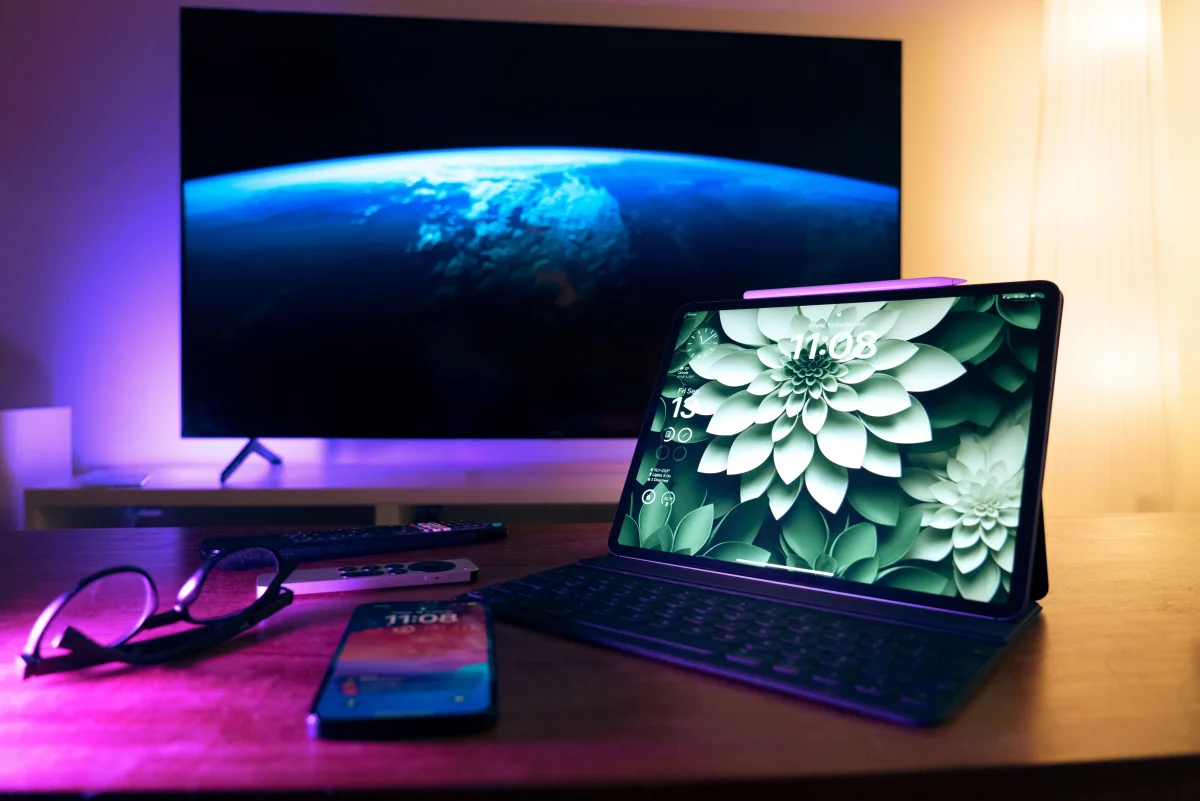
Imagine transforming your living room into a productivity powerhouse with just a few tweaks to your existing smart TV.
Chapter 02
Maximizing Potential
Uncover the steps to extract the most value from your smart TV setup.
Narrative flow
Scroll through the argument
01
Step 1: Hardware Integration
Begin by integrating essential peripherals. A wireless keyboard and mouse offer the best control and ease of use. Explore additional devices like webcams for video conferencing.
02
Step 2: Software Enhancement
Install productivity apps directly on your smart TV. Use app stores or sideload apps that enhance functionality, making your TV a productivity hub.
03
Step 3: Cloud Optimization
Utilize cloud services to expand storage and processing power. This step is crucial for handling large files and complex tasks.
Real-World Example: A Day in the Life
Consider a remote worker using their smart TV as a makeshift workstation. With the right tools, they navigate documents, join video calls, and manage projects without the need for a traditional computer.
Overcoming Common Challenges
One challenge is the limited processing power of smart TVs. However, this can be mitigated by using cloud services for heavy lifting, allowing the TV to handle simpler tasks.
Smart TV Transformation
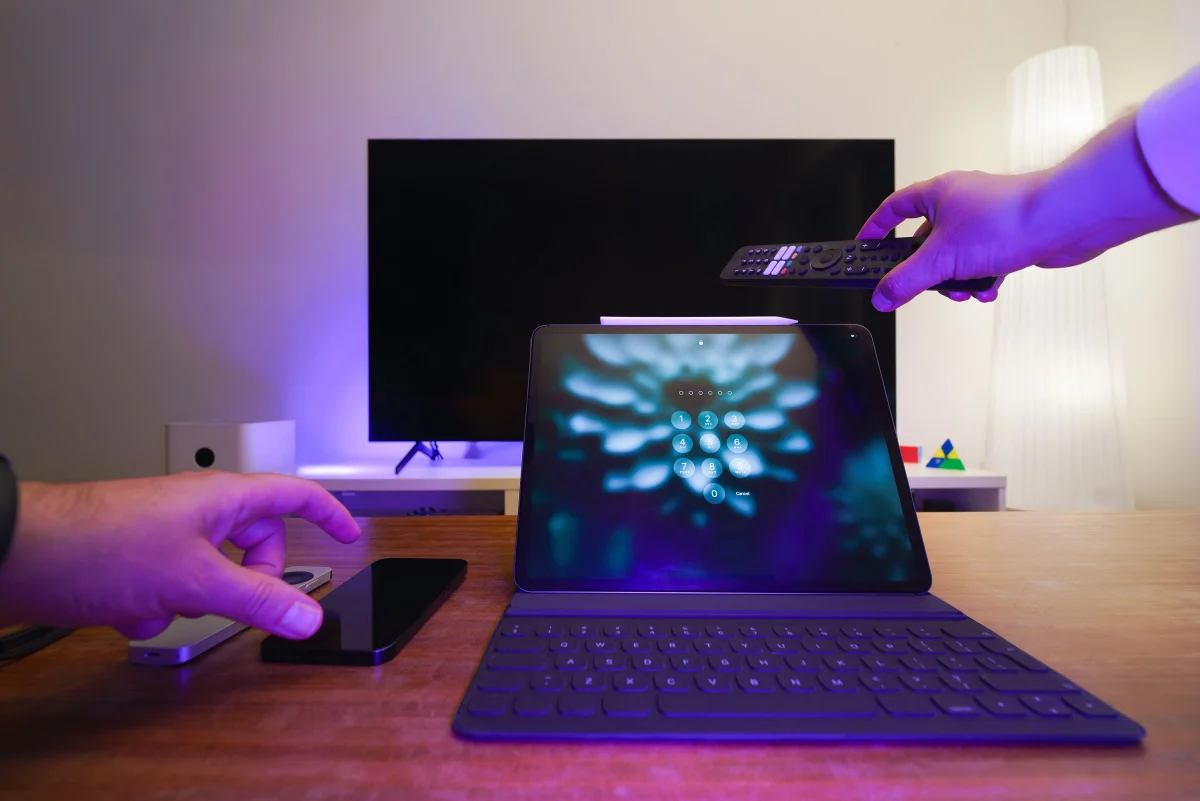
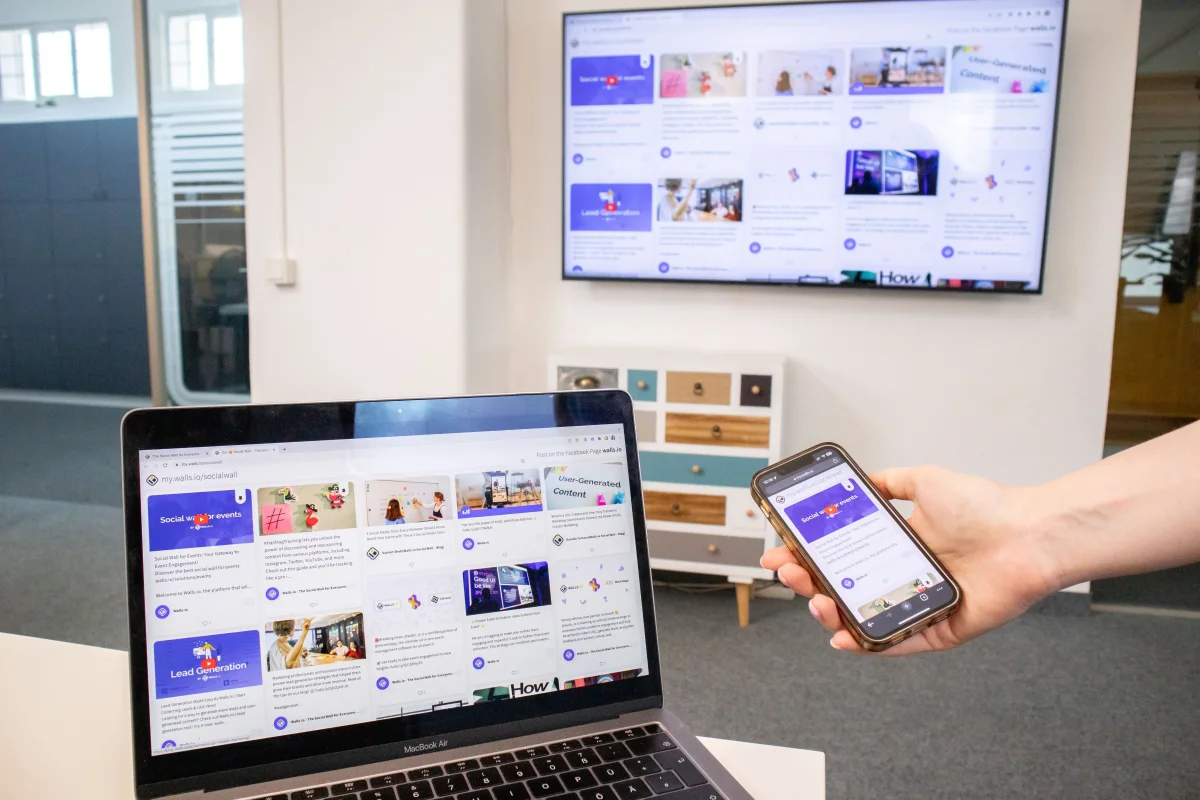
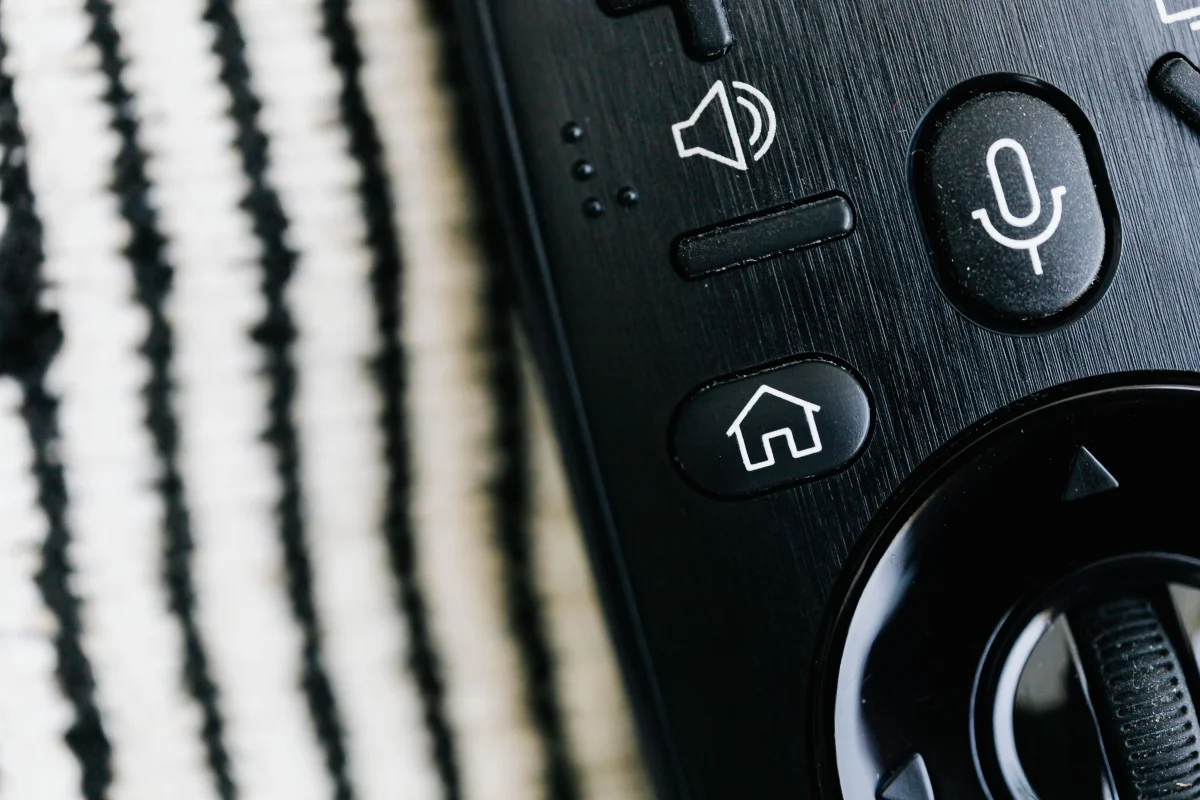
Despite potential limitations, the benefits of transforming your smart TV into a computer are clear. It’s an affordable and versatile solution that brings the power of computing into the comfort of your living room. The integration of peripherals and cloud services unlocks new possibilities, making it a compelling option for tech-savvy users.
Chapter 03
Future Prospects
Exploring what the future holds for smart TVs as multifunctional devices.
Beyond the Horizon
As technology continues to advance, the role of smart TVs will expand even further. Innovations in AI and IoT will likely integrate more seamlessly with smart TVs, offering enhanced functionality and new use cases.
- AI Integration: Expect more personalized experiences as AI becomes more integrated.
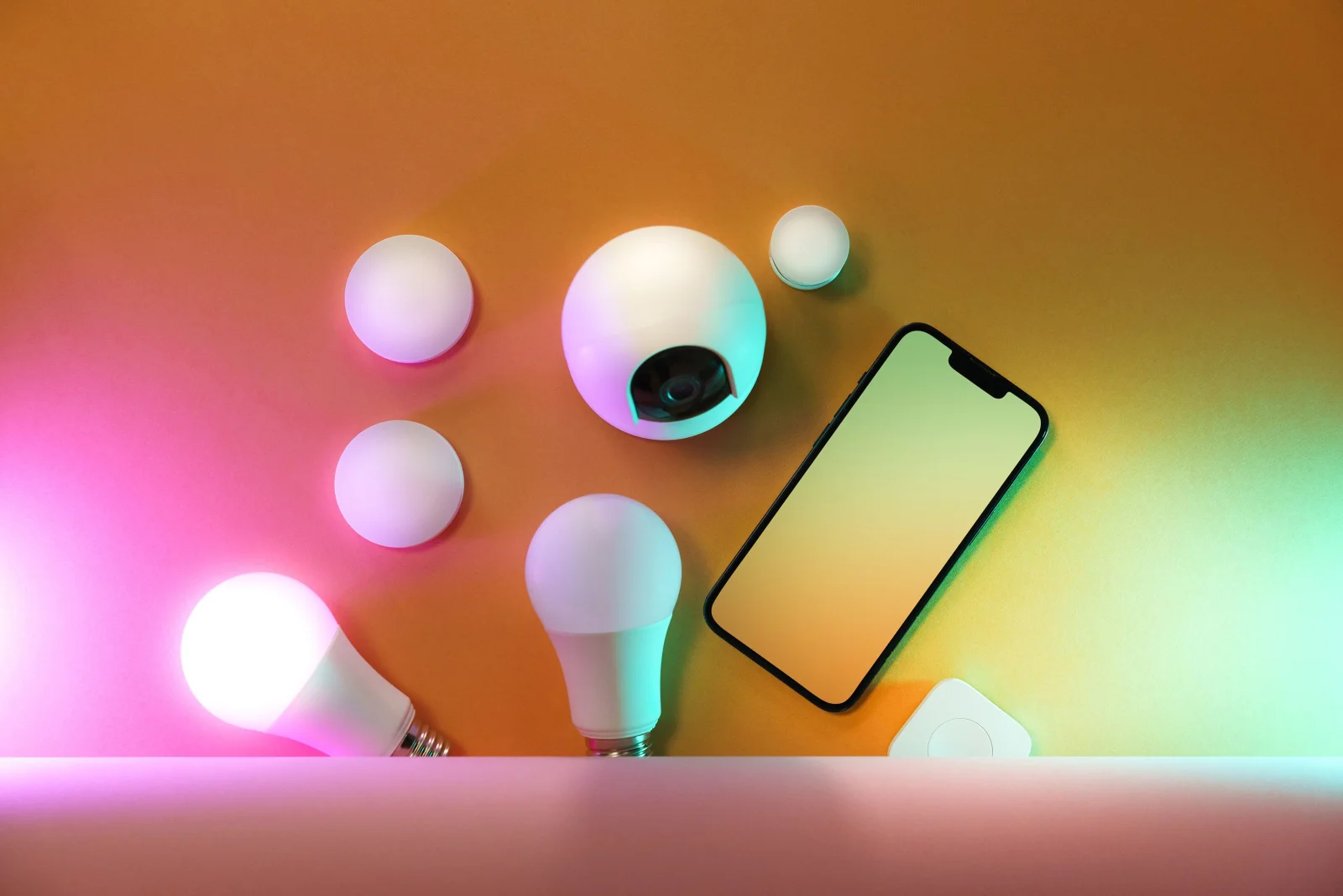
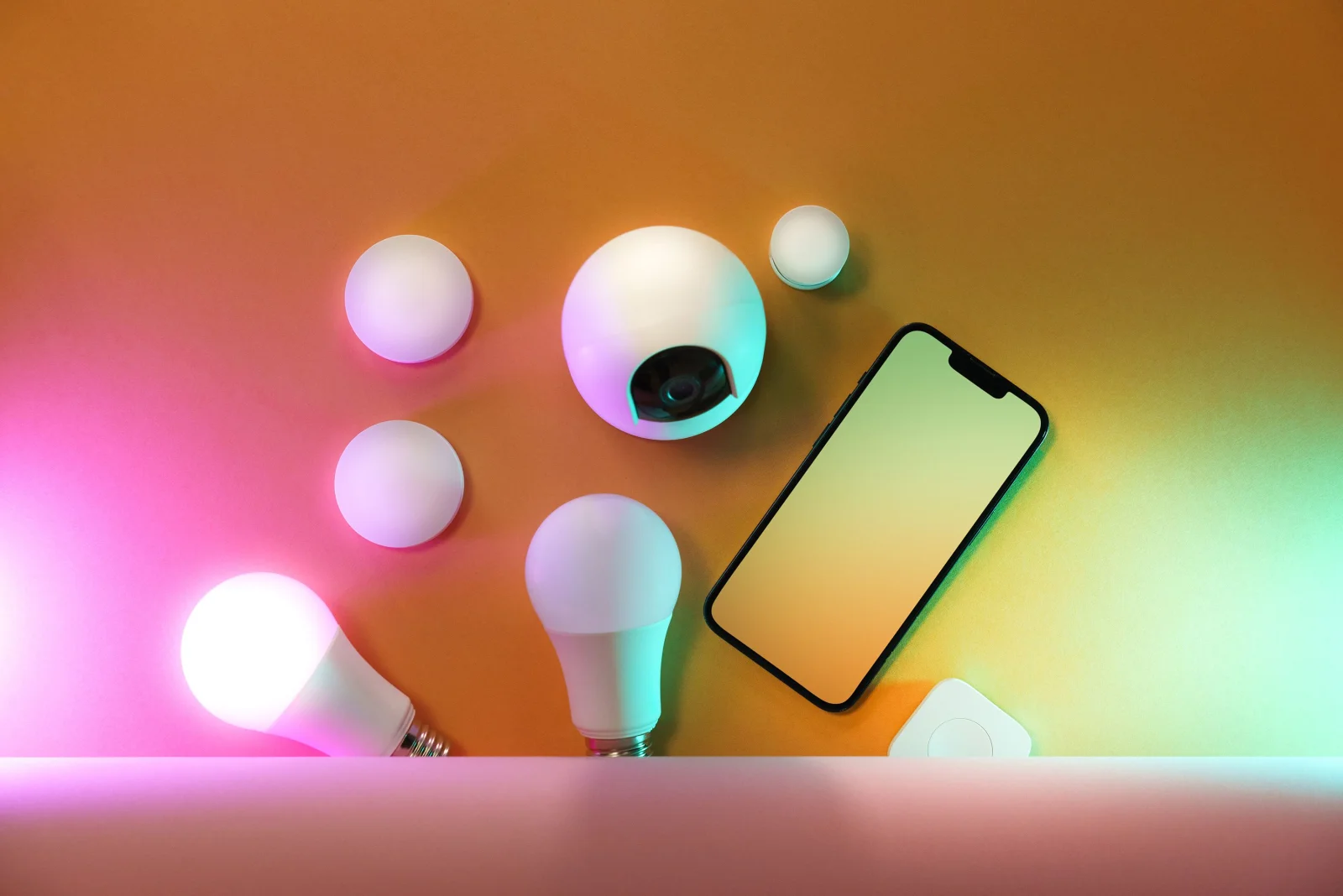
- IoT Connectivity: Smart TVs will become central hubs for controlling other smart home devices.
- Increased Processing Power: Future models will likely offer more robust hardware, further bridging the gap with traditional computers.
- Enhanced Security Features: As usage expands, so will the need for robust security measures.
- Affordable Upgrades: Manufacturers may offer modular upgrades, allowing users to enhance their setup without replacing the entire unit.
- Sustainability: As smart TVs take on more roles, their design will likely focus on energy efficiency and eco-friendliness.
Practical Implementation: Steps Forward
For those looking to stay ahead, keeping abreast of the latest developments in smart TV technology is crucial. Regular updates and exploring new software can optimize your setup.
Weighing the Trade-offs
While smart TVs offer many benefits, they are not without drawbacks. Balancing cost, functionality, and ease of use is key to maximizing their potential.
In conclusion, the smart TV is no longer just a passive entertainment device. By embracing its potential as a computer, you not only enhance your home setup but also open new avenues for innovation and productivity. This transformation is a testament to the evolving landscape of technology, where boundaries are meant to be blurred.