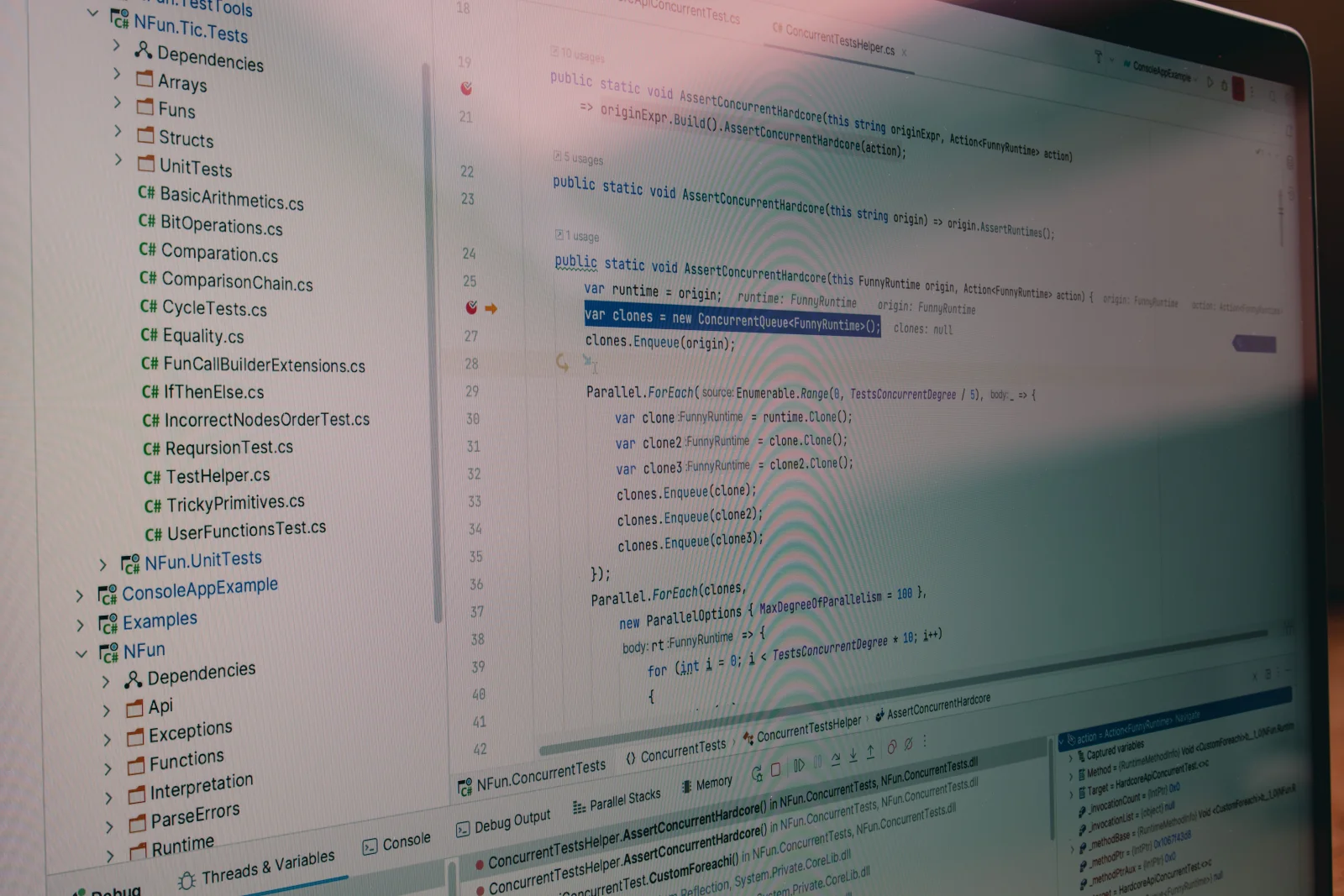
Windows 11, Microsoft’s most recent operating system, quietly mines data from developer tools, stirring privacy concerns. This telemetry data, though meant to enhance user experience, raises pressing questions about data privacy boundaries and implications for developers globally.
Chapter 01
Understanding Data Collection
Explore how Windows 11's telemetry data impacts developer tools and privacy.
Exploring How Data is Gathered
The telemetry system in Windows 11 is crafted to gather and analyze data aimed at refining system performance and user interaction. However, in the context of developer tools, this can extend to collecting usage patterns, tool interactions, and even sensitive project details. While the intent here is optimization, it inadvertently risks privacy lapses.
Essential Developer Awareness
Developers need a clear grasp of what data is being collected and its uses. Insight into the types of telemetry data Microsoft collects and its potential influence on development settings is crucial. Consider these important aspects:
- Types of Data: Includes user patterns, tool usage, and system performance metrics.
- Purpose: Enhances system functionality and user engagement.
- Concerns: Possible exposure of sensitive information and development methods.
Windows 11, Microsoft's most recent operating system, quietly mines data from developer tools, stirring privacy concerns.
Finding the Right Balance Between Privacy and Performance
Developers grapple with the challenge of optimizing tools while protecting data privacy. Though telemetry data paves the way for enhanced performance and tool developments, it may also compromise privacy.
Managing Privacy Adjustments
To address privacy issues, developers can adjust Windows 11’s privacy settings to restrict data collection. However, this limitation might reduce functionality or support from Microsoft, making it a difficult choice that needs thoughtful evaluation.
Narrative flow
Scroll through the argument
01
Step 1: Review Privacy Settings
Explore and adjust the privacy settings in Windows 11 to control data collection levels.
02
Step 2: Use Third-Party Tools
Consider using third-party privacy tools to further limit data exposure.
03
Step 3: Stay Informed
Keep up with Microsoft's privacy policies and updates to make informed decisions.
Chapter 02
Implications for Developers
Delve into how data collection impacts development environments and decision-making.
Consequences on Development Settings
Windows 11’s data collection initiatives can influence development environments directly. The insights derived from telemetry data can usher in tool enhancements, but also pose risks of revealing sensitive development process details.
Informed Choice-Making
Developers are tasked with weighing tool optimization benefits against potential privacy violations. Protecting sensitive information necessitates awareness of data collecting practices and informed decision-making. Some key factors include:
- Tool Optimization: Boosts in tool capabilities and performance.
- Privacy Risks: Potential leaks of development strategies and confidential data.
- Decision-Making: Finding a balance between maintaining functionality and protecting privacy.
Visual Insights

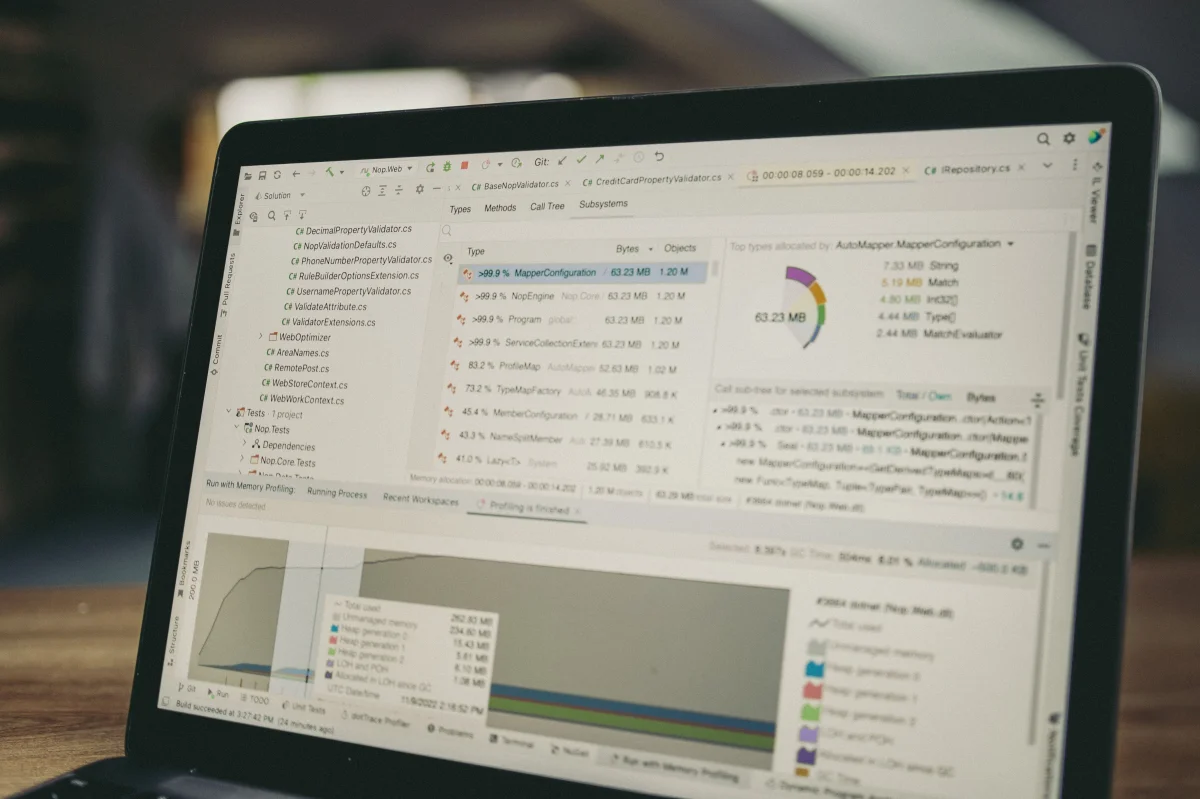
For developers, the ongoing trade-off between performance and privacy remains a consistent challenge. Grasping the impact of Windows 11’s data collection practices is vital for making astute decisions that protect both functionality and user privacy.
As Windows 11 continues to develop, the conversation around data privacy and developer tools will persist. It is crucial to stay informed and proactive in navigating these evolving complexities.